Create and edit digital drawings with freehand sketching and customizable brushes. Choose from a wide range of pencils, markers, and color options. Manage layers for complex artwork. Use unlimited undo and redo functions to refine your work.
Create digital art with natural brush strokes and realistic paper textures. Use 40+ brush presets for detailed painting. Edit images with color adjustments, liquify tools, and cropping. Apply layers and blend modes for advanced compositing.
The app allows users to create rapidly executed freehand drawings. These drawings can record observations, develop ideas, or demonstrate concepts for later use.
Connect with others to draw in real time. Create and share drawings instantly. Customize canvas with background photos. Place artwork on lock screen. Start sessions without accounts or personal data.
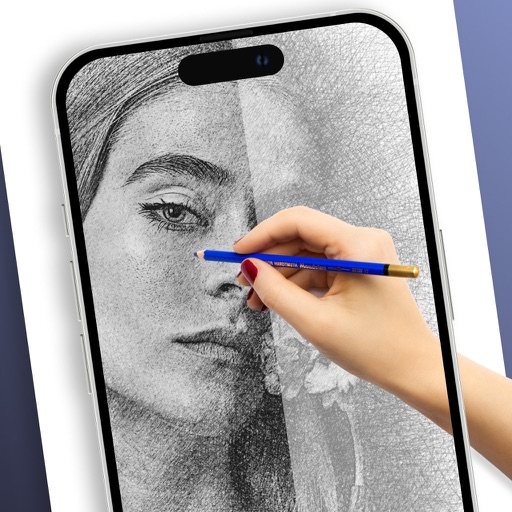
Turn photos into drawings, cartoons, or sketches with one click. Apply 19 effects with full control. Save creations and share via Facebook, Twitter, Flickr, Tumblr, and Email.
Turn photos into drawings, cartoons, or sketches with one click. Apply various effects including black strokes, white strokes, pastel, and halftone. Adjust edge strength, opacity, contrast, brightness, and saturation.
Plus Apps Bilisim Teknolojileri Reklamcilik Limited Sirketi
Sketches with AR technology
To sketches using AR technology. Choose from various categories to practice. Follow step-by-step instructions to improve techniques. and paint directly on the screen. View animated tutorials for guidance. Save and review your artwork.
Drawings, photos, and artwork with adjustable screen brightness for clear visibility. Lock artwork to prevent accidental movement. Use outline mode to enhance line visibility. Project images via AR for tracing accuracy.