Create drawings by importing images and adding layers. Use talking stickers that repeat spoken words sound. Access tools for detailed artwork. Design custom sets Talking and draw animated characters. Explore mirror painting for symmetrical art.
The app provides a roulette wheel for users to draw numbers. Spinning the wheel builds tension for games with friends or for drawing winning numbers for lotto.
Can and color with tools like pencils, brushes, and crayons. They can create paintings of animals, fruits, and vehicles. Includes pages for princesses and toddlers. Features a drawing book and creative doodling options.
Send messages, doodles, and drawings directly to friends’ widgets. Share sketches, notes, photos, and group messages on their home screens. Customize pen styles, colors, and thicknesses. Add backgrounds, text, and save drafts for later editing.
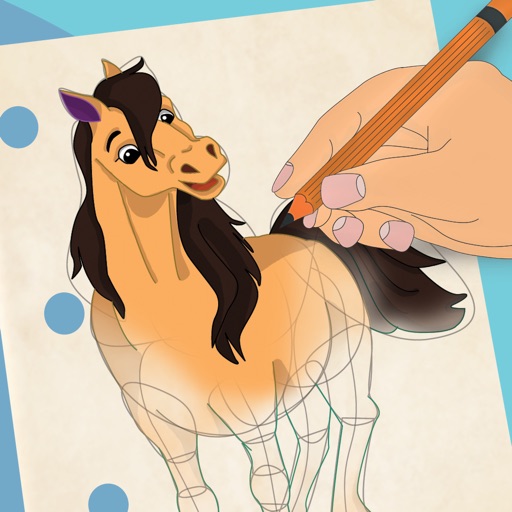
Learn to draw with step-by-step . Bookmark favorite designs. Print blank templates via AirPrint. Prevent screen sleep with a lock button. Practice mindfulness during drawing sessions.
Draw and animate shapes, words, or objects with touch or drag gestures. Create dynamic, physics-based animations with varying strokes and speed. Save or share artwork. View sample art displays.
Lines to connect dogs to their houses while avoiding obstacles. Navigate mazes to complete levels quickly. Features include maze graphics, multiple difficulty levels, and timed challenges. Track progress through various stages.
Create and customize by stretching, breaking, and drawing on the screen. Add 2D and 3D objects. Use touch gestures to interact with the . Apply various textures and effects. Earn in-game currency through play. Share creations with friends.
Create and share digital art customizable brushes, unlimited colors, and layer support. Zoom, pan, and adjust brush parameters. Rotate, mirror, and undo steps. Participate in challenges like tracing or completing others' drawings.