
Whiteboard - Widget Messaging
Share drawings and messages instantly
Ample Software LLC
iPhone Screenshots
Description
Send messages, doodles, and drawings directly to friends’ widgets. Share sketches, notes, photos, and group messages on their home screens. Customize pen styles, colors, and thicknesses. Add backgrounds, text, and save drafts for later editing.
Send doodles, drawings, messages, and more directly to your friends’ widgets!
Whiteboard makes staying connected fun and creative. Share quick sketches, notes, photos, and even group messages that appear right on your friends’ home screens.
-------
Drawing
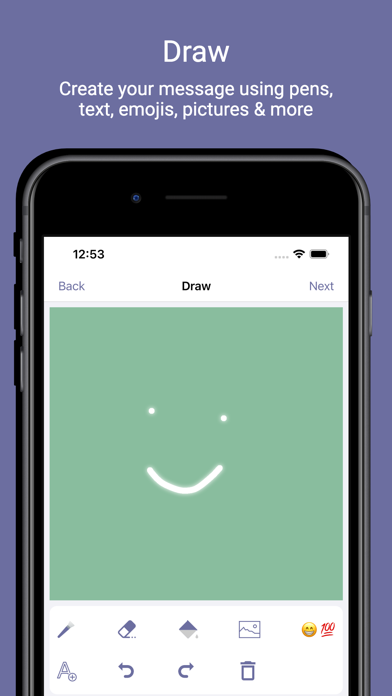
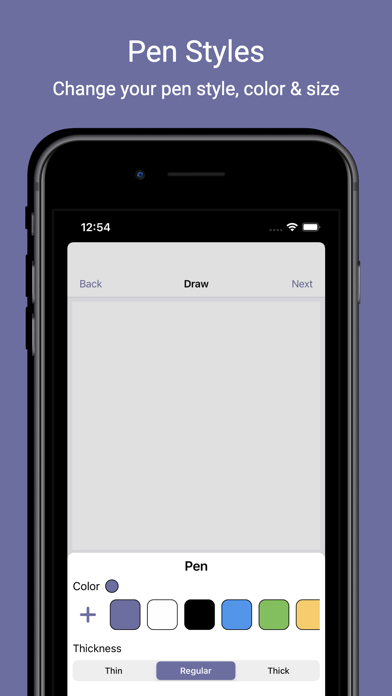
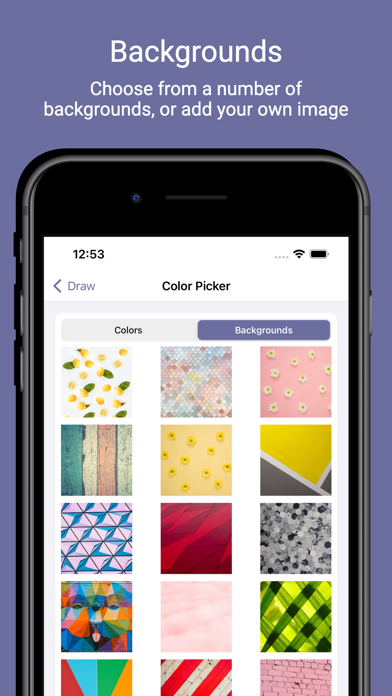
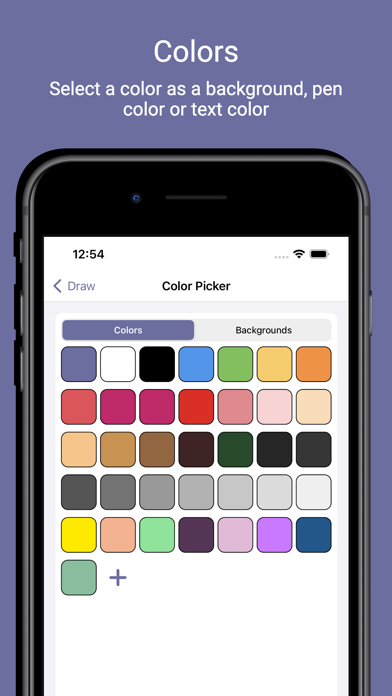
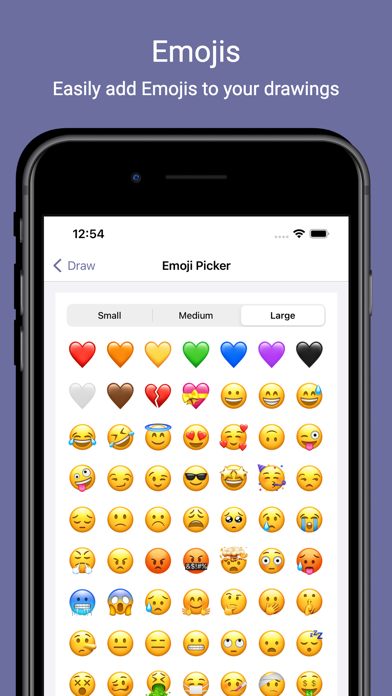
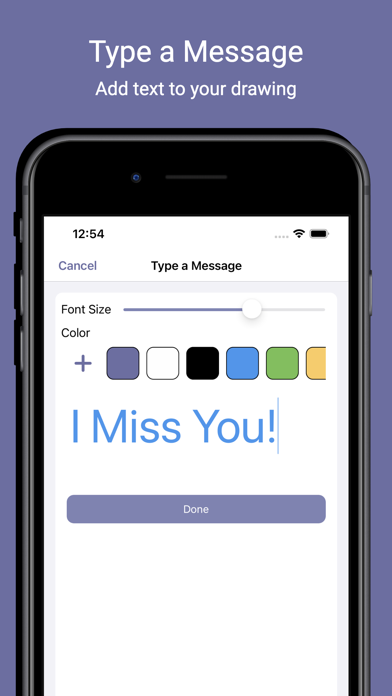
Choose from different pen styles, thicknesses, and colors—or create your own custom colors and save them as presets. Add backgrounds, photos from your library or camera, text, and more. Save drafts to finish your creations later.
-------
Friends
Your account starts as private so only friends can send you messages. Switch to public if you’d like anyone in the app to connect with you. Finding friends is simple—search nearby, sync your contacts, or share your invite code.
-------
Groups
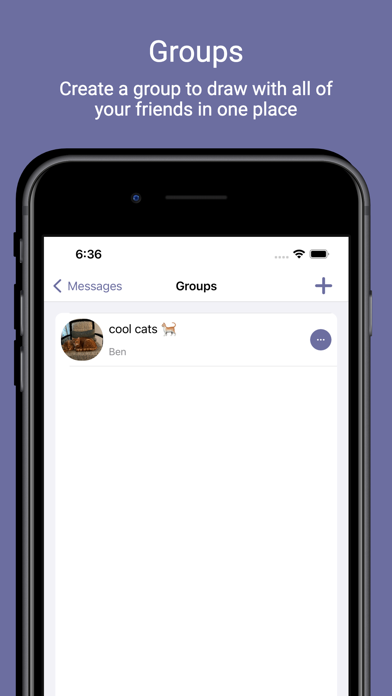
Create groups to share doodles and messages between multiple friends all in one widget. Think of it as group chat, but more fun and visual.
-------
Widgets
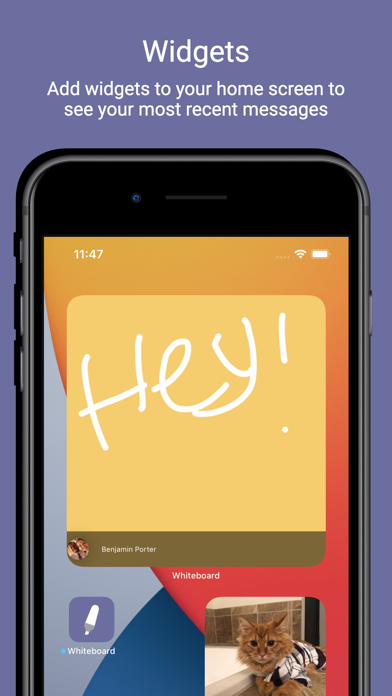
Add multiple widgets to keep up with all your messages. Choose from:
- Recent Messages: See the latest updates from friends and groups.
- Friend Widget: View the most recent message from a specific friend.
- Group Widget: View the most recent message from a group.