Record code messages by tapping the key. Send recordings via the broadcast icon to friends. View realistic images and learn code through integrated lessons. No translation or interpretation features are included.
The app provides a simple canvas for quick sketches with pen, crayon, and brush tools. Users can adjust colors and line widths, and automatically save their latest drawing to Photos.
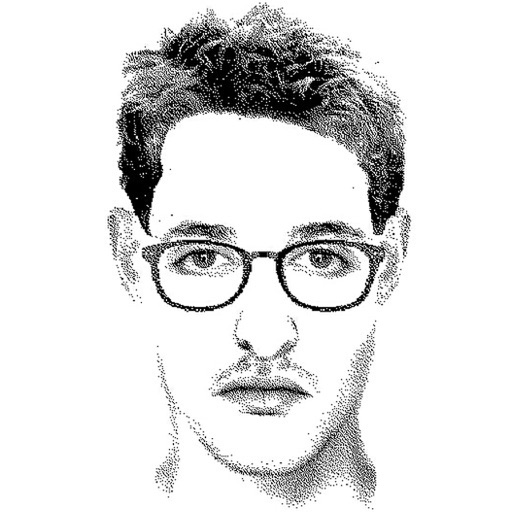
Create detailed facial sketches by customizing elements like eyes, nose, mouth, hair, and glasses. Move and resize features freely. Save, load, and export sketches as JPEG images.
Create digital artwork with natural stroke support on a large . Import and embed multiple file types including video and audio. Access PSD and PDF files directly for editing. Share drawings with other apps.
Create digital notes and sketches on a blank canvas. Draw freehand or use preloaded templates. Erase or clear sections. Save and share drawings. Collaborate in real time with others. Import images and text. Adjust colors and brush sizes.
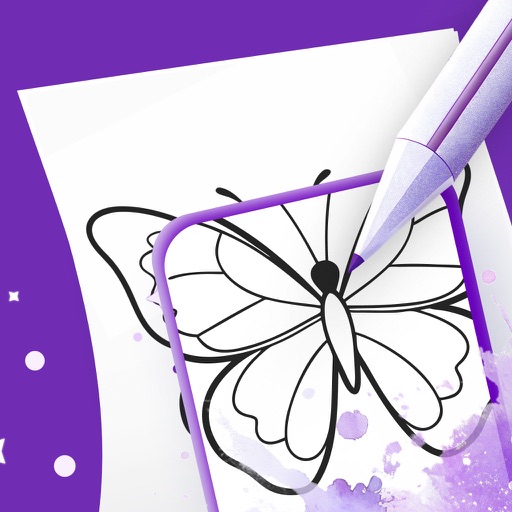
Use your phone camera to projected images on paper and add color. Choose from templates like animals, cars, and nature. Includes a built-in flashlight. Share finished drawings with friends.
Lets users save text page by page and combine notes into a . Notes can include up to 10 images. Users can save notes as single images. A keyboard expansion button allows cursor movement and pasting. Binders can be organized into categories.
Convert images into -stitch patterns by uploading and converting them. Edit patterns with color and pixel settings. Choose canvas and thread manufacturer. Save as PDF. Adjust grid visibility and highlight colors.