Design tattoos by inputting ideas and refining designs using AI tools. Generate concepts from sketches or text. Explore various styles and adjust details like placement and size. Export designs for consultation or customization.
Plan daily, weekly, monthly, and yearly tasks with customizable templates. Write notes, set goals, and organize schedules. Sync across devices and export events. Track progress with handwritten journal pages.
Read and QR codes to access information. Save scanned websites to favorites for quick recall. Share scanned content via links or email. Navigate to URLs directly from the .
Create designs by typing text and selecting a style. Generate multiple options instantly. Choose from various artistic styles. Save and share designs directly. No drawing skills required.
AR : Project sketches onto real-world surfaces for accurate proportions. Use stand mode for stable, low-latency . Convert paper sketches into digital art with precise tracing and editing tools. Save and export artwork in multiple formats.
Create detailed artwork with realistic brushes and watercolor effects. Scale canvas up to 64 times with precise grid and pixel-level accuracy. Use over 80 brushes, erasers, smearing tools, rulers, cutters, fill tools, and color pickers.
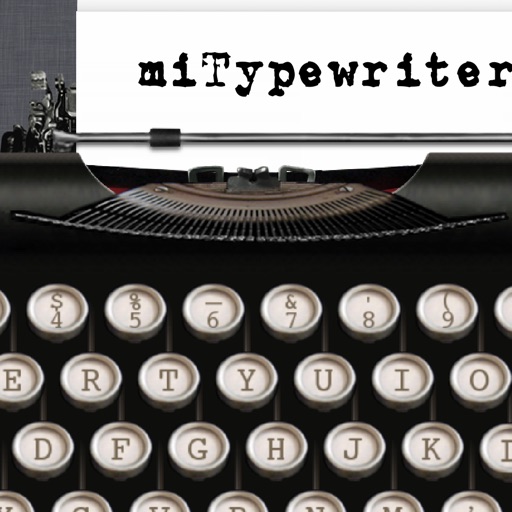
The app presents a typewriter interface on an iPhone or iPod Touch. Users can manage documents, email content as text or images, and utilize features like a backspace key and external keyboard support.
Create videos from text or images using AI technology. nimated avatars for virtual interactions. Edit and enhance photos with AI-driven artistic effects. Transform images into unique visual stories with customizable styles.
Control smart home accessories with widgets on Home Screen and Lock Screen. Create advanced automations beyond Home capabilities. Access all accessory features and customize with wallpapers. Backup and restore HomeKit configurations.
Edit images and videos by selectively recoloring elements. Extract objects, shapes, and text using tracing, magic eraser, and recoloring tools. Deform and extracted elements with distortion tools.
Create and edit PDF documents with ink annotations using Apple Pencil. Add notes, highlight text, and sign documents. Share files with colleagues or students. Review and annotate PDFs for study or work.