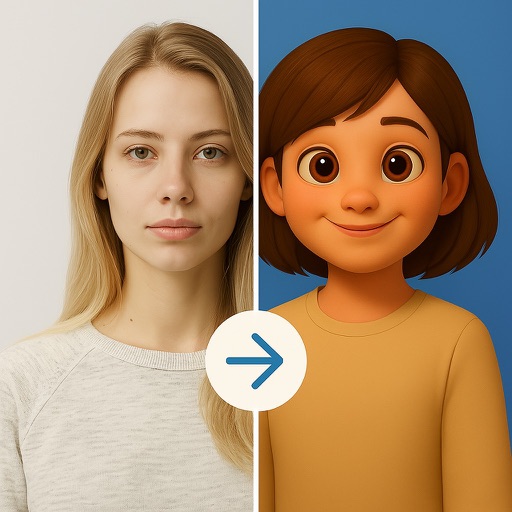
Upload a photo to generate an AI-generated character in chosen styles like anime, pixel art, or detailed action figures. Customize appearance and details. Export and share the created .
Create custom charts for crafts like cross stitch, bead weaving, knitting, and pixel art. Draw dotted images and design patterns with an intuitive touch interface. Export charts for use in projects.
Create and customize NFTs by uploading personal files or using pre-made art. Apply AI-generated filters, add text, overlays, and stickers. Export and share NFTs directly.
Create comic strips using AI-generated art or manual drawing tools. Choose from various comic styles like anime, manga, webtoon, and pop art. Sketch and convert drawings into high-quality images.
Show information from images on your device. Import photos from the Photos or Adobe Creative Cloud with an Adobe account. Use the iOS extension to access images in Photos and other sharing apps. Pan, pinch, and zoom to view RGB values.
Generate AI images by entering prompts and selecting from multiple art styles like photo realistic, anime, or 3D. Expand images beyond borders. Recreate existing images with simple prompts. Choose from over 10 AI models to customize art style.
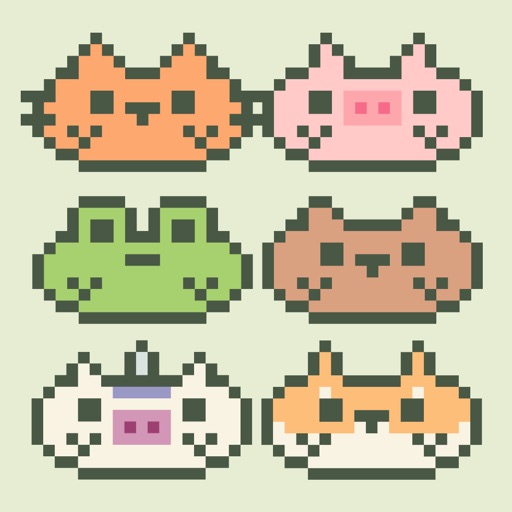
Customize your Home Screen with a virtual pet . Interact with pixel-art animals by feeding, petting, and cleaning them. Play mini-games to earn coins and purchase collectible treats. Choose from 11 animals with unique animations and preferences.
Create art with layer editing tools including adding, deleting, duplicating, hiding, sorting, and grouping layers. Use blend modes and transparency settings. Access various tools like pen, eyedropper, eraser, and selection.