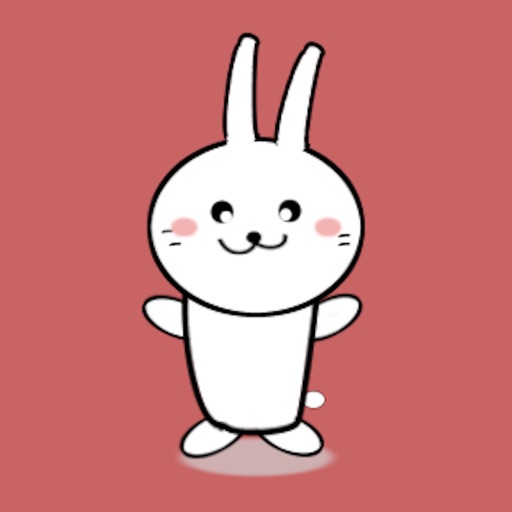
Send and manage 110+ rabbit stickers for iMessage. Choose from happy, romantic, motivational, and other emotional expressions. Customize sticker layout for better visibility on screen.
by Minghao Fu★ 4.04 ratingsStickersFreeData updated 2026-09-06
Add animated stickers to iMessage chats. Choose from 72 unique, high-quality stickers. Include 24 free stickers for initial use. Unlock additional stickers for full access. Share stickers directly within messages.
Use to add expressive and playful elements to iMessage chats. Drag and drop into conversations. Choose from a variety of cute designs and moods to personalize messages.
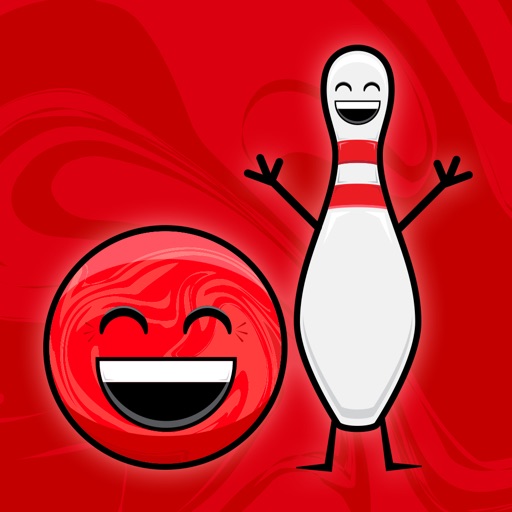
Send holiday-themed stickers featuring festive characters like Elf Ball, Candy Cane Pin, and Snowman Ball. Include bowling pins in holiday costumes. Add stickers to messages. Share custom combinations of emojis and stickers.
Send and customize stickers within iMessages. Choose from 12 animated and expressive stickers. Add stickers to conversations, resize, and position them freely. Share sticker pack with contacts.
Stickers allow users to send animated stickers via iMessage. Stickers include characters and scenes from the story. Users can install the sticker pack through iMessage settings. Stickers appear in the iMessage tray after installation.
Add to iMessage conversations with pinch-to-resize functionality. Choose from -themed to overlay on messages, images, or other . Share emotions and ideas through humorous visual effects.
Send animated stickers in iMessage with 24 high-resolution animations. Include 16 free stickers; purchase for full access. Add emojis and text to messages. Share stickers across devices.
Send featuring silly expressions and campground humor. Choose from a variety of animated images. Add to messages via the Messages by selecting the sticker icon.
Add featuring bubble tea designs to iMessage conversations. Access from the iMessage drawer or WhatsApp. Update sticker collection regularly. Share themed messages with friends.