
Cuteness Corner
Send and share expressive rabbit stickers
Minghao Fu
iPhone Screenshots



Description
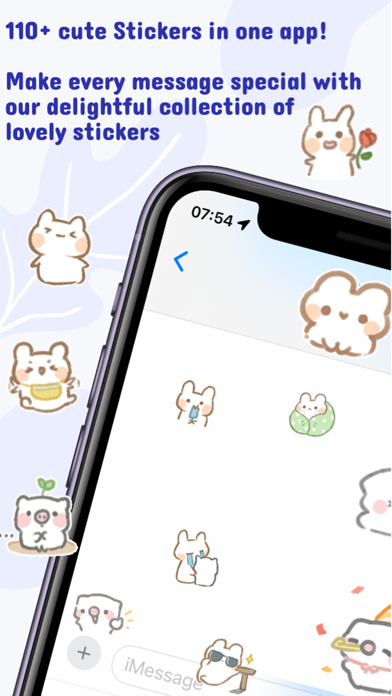
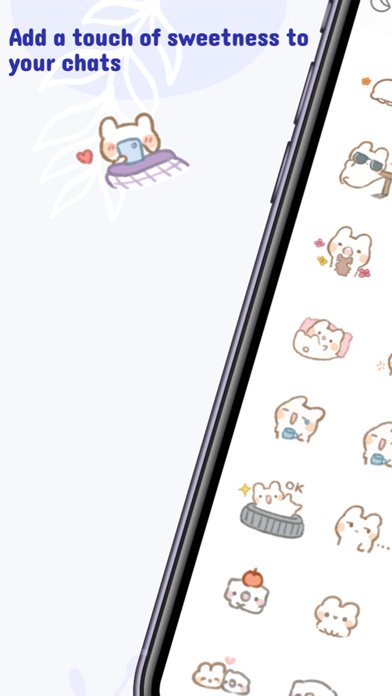
Send and manage 110+ rabbit stickers for iMessage. Choose from happy, romantic, motivational, and other emotional expressions. Customize sticker layout for better visibility on screen.
Cute Rabbit iMessage Sticker Pack: 110+ Expressive Emoji for iPhone and iPad. Download our adorable rabbit sticker pack for iMessage, featuring over 100 expressive emojis. Communicate your emotions with a wide range of cute rabbit stickers, perfect for every conversation.
Key Features:
• 110+ Stickers: Extensive collection with many free options
• Diverse Emotions: Happy, romantic, motivational, relaxing, sad, and more
• Customizable Layout: Adjust column display for optimal screen viewing
How to Use iMessage Stickers:
1. Download the Rabbit Sticker Pack from the App Store
2. Open iMessage on your iPhone or iPad
3. Tap the '+' button in the message compose area
4. Select 'Stickers' from the app drawer
5. Find and tap the Rabbit Sticker Pack icon
6. Choose and send your favorite rabbit sticker
Manage Sticker Packs:
• Tap 'Edit' in the app drawer to show/hide or delete sticker packs
Express yourself with our cute rabbit stickers in iMessage today!