Practice arithmetic with addition, subtraction, multiplication, and division to reach 24 points. Choose from three difficulty levels. Generate custom 24-point problems for printing or exporting. Compete in timed challenges of 1, 2, 3, or 5 minutes.
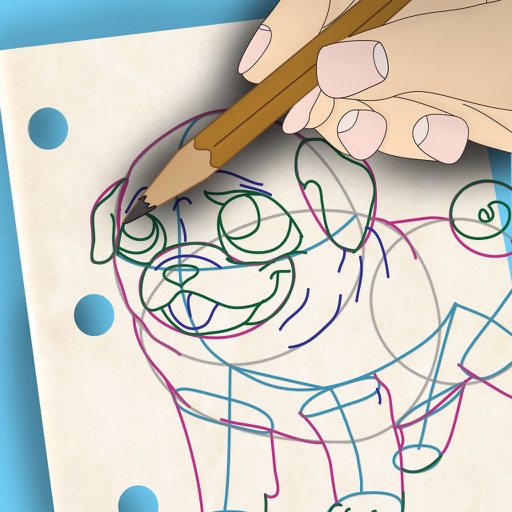
Learn to characters with step-by-step video tutorials on eyes, hair, clothes, and poses. Trace sketches using the device's camera. Progress from beginner to advanced with skill-level tailored lessons.
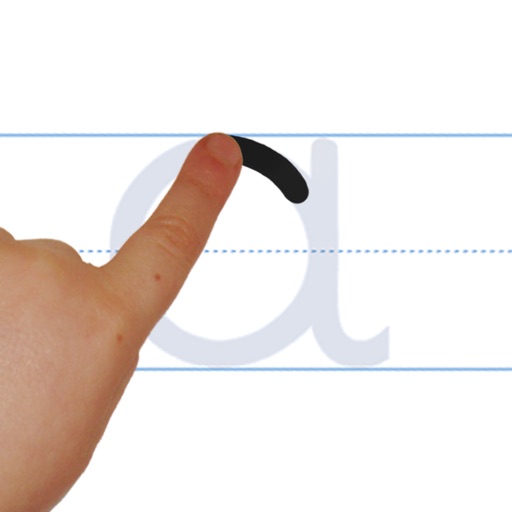
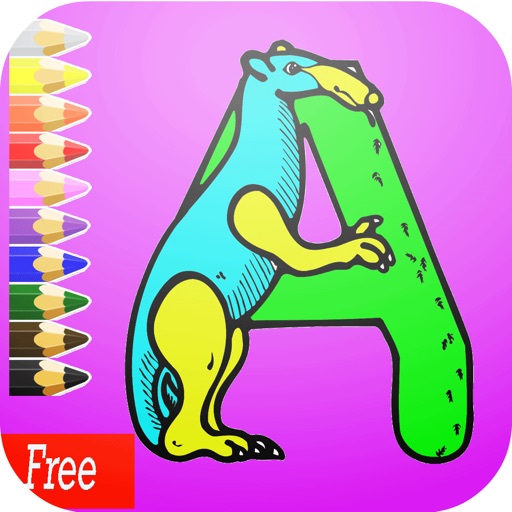
Learn the English alphabet with interactive featuring voice-enabled letters and quiz mode. Trace letters, listen to pronunciation, and test knowledge with quizzes. Explore playful phonics activities for early learners.
Drawing techniques through step-by-step lessons. Create and customize sketches with various tools. Access coloring features and save artwork. Share drawings directly from the . Track progress and revisit previous lessons.
See color values in real-time using the camera or convert photos to grayscale. Measure lightness of specific points. Apply grayscale filters for sketching. Helps with grayscale art and contour line practice.
Create drawings using realistic pencils and marker pens. Listen to drawing sounds. Navigate an intuitive interface. Access eight free sketches for coloring. Explore related apps in the drawing series.
The app allows users to draw geometric shapes, color drawings, and retouch photos. Users can share their creations with friends using different drawing tools and colors.
With interactive drawings and sound effects. Includes fine motor skill exercises. Features themed images with animated characters. Allows children to create and save their own artwork. Includes drawing lessons and activities.
AR allows users to trace and draw images using augmented reality. Adjust transparency of the image for better visibility. Position the device above paper with a stand to begin . Basic AR tracing features enable accurate sketching and design.