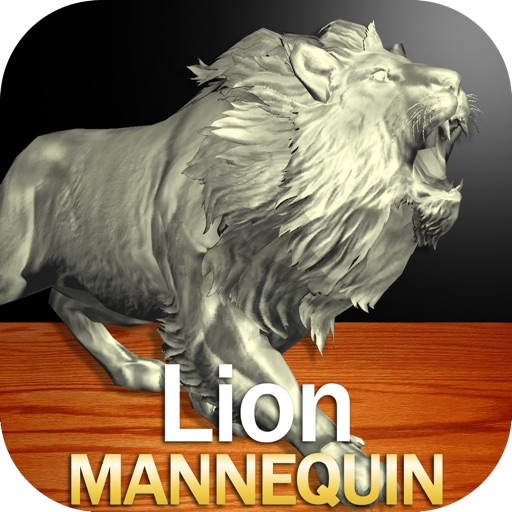
Draw a in any pose by adjusting joints and limbs. Use poseable models and reference tools for accurate positioning. Apply skins for detailed textures. Customize camera angles and backgrounds.
On an with multiple colors and add typed text to illustrations. Erase or delete drawings. Choose background colors for the . Save creations and share via email or Facebook. Additional markers and backgrounds available in the complete version.
Daily personalized training offers a 4-game workout targeting memory, problem-solving, math, and focus. Games adapt based on performance. Includes 24 scientifically designed games for cognitive skill development.
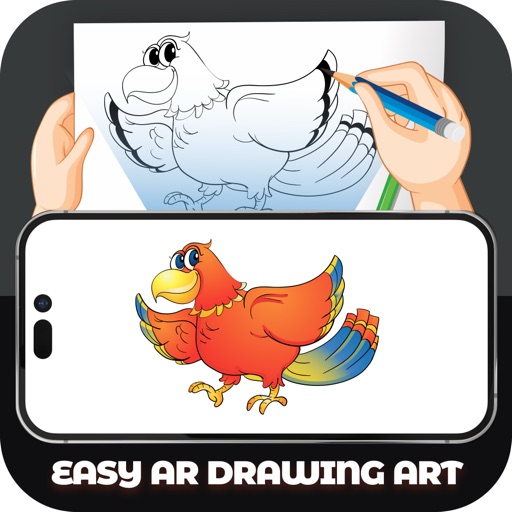
Use camera to project reference images into real-world space. Trace and over images with precision. Align and import images for accurate drawing. Save and share sketches directly.
Teaches drawing anime characters through video tutorials. Breaks down character design into -by- lessons. Covers foundational techniques and advanced details. Allows users to practice and refine their skills progressively.
Create daily drawings through guided challenges with specific prompts. Receive instant feedback on artwork. Track XP, maintain streaks, and compare rankings on leaderboards. Features a clean interface optimized for artists.
Children can create drawings using a variety of brushes, including fluorescent and graffiti styles. They can paint freely with colorful tools. The provides a creative environment for learning to draw and explore artistic expression.
Upload drawings to receive instant AI feedback on anatomy, shading, and perspective. Identify strengths and areas for improvement. Set daily practice goals and track progress over time.
Solve interactive puzzles with background objects. Listen to sounds of game characters. Color drawings of animals. Access 7 puzzles in free version. Full version includes 35 puzzles and allows painting all animals.
Learn to draw with -by- tutorials and AI guidance. Use your phone's camera as a projector to trace and practice. Access drawing lessons for all skill levels, from beginner to advanced.
Access -themed pages and drawings. Create and customize artwork with easy-to-use tools. Share finished drawings via the . Includes a pixel art workshop for detailed designs.
Create and project drawings in real time using augmented reality. Trace and sketch on surfaces with your device. Adjust colors and brush sizes. Save and share drawings. Sync with other devices for collaborative projects.
Create drawings using AR tools, trace real-world objects in real-time, and convert photos into sketches. Access a library of templates for design projects. Share artwork directly from the .
Teaches drawing through interactive lessons and animated strokes. Breaks down drawings into simple shapes. Allows users to practice on a digital canvas. Offers guidance for both beginners and experienced artists.
Create and share digital artwork with drawing tools and palettes. Customize brush settings and layers. Save and export drawings in various formats. Collaborate in real-time with others.
Create and share sketches with realistic brush strokes and modeling effects. Study forms, shapes, and architecture. Save drawings to photo library or social media platforms like Twitter, Facebook, and Sina Weibo.