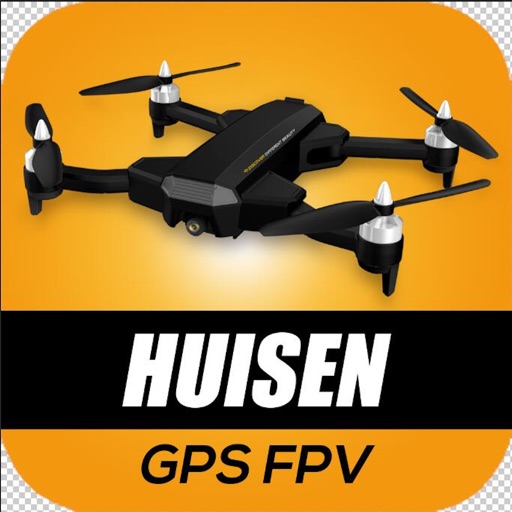
Control drones with real-time video streaming and remote sensing. Adjust trajectory and use gravity induction. Capture gestures and video. Apply image filters and split screens. Record audio with video.
by 文 张★ 4.69 ratingsUtilitiesFreeData updated 2026-09-06
Access remote sites and view live video feeds through a network connection. Select cameras from up to 16 channels. Adjust layouts based on device type. Rotate screen automatically. Control PTZ functions.
The app records video from webcams, recording devices, or screens. Users can adjust color settings, resolution, size, frame rate, and output settings for streaming video.
The app enables users to view and control live video streams from cameras and video encoders. It supports unlimited video on cellular and wifi, along with multi-channel video encoding and authentication.
The app allows viewing plug n play IP camera video on an iPhone, iPod touch, or iPad. It supports live video viewing, remote settings updates, pan/tilt control, audio, snapshots, finger-zooming, and video recording/playback.
Monitor and manage surveillance devices remotely through cloud login. Preview HD video in real time and split-screen view multiple devices. Adjust camera angles and focal lengths remotely. Use two-way voice intercom for real-time communication.
The app captures video from built-in and network cameras, offering image capture and time-lapse video recording. It also provides live video streaming via RTSP and V380 servers, with compatibility for watch viewing.
Record content with HD video output up to 1080P. Capture game highlights and tutorial videos. Sync audio from device or external source. Share recorded content directly. Create live broadcast clips and custom recordings.
Control a remote vehicle with real-time video streaming from its onboard camera. Use intelligent target tracking and laser alignment for interactive play. Navigate with basic driving controls and adjust movement via a touch interface.
Control remote tanks via internet or local network. Configure tanks through the or use direct LAN control. Access video, audio, and photo functions. Adjust resolution and manage settings remotely.