
iPhone Screenshots



Description
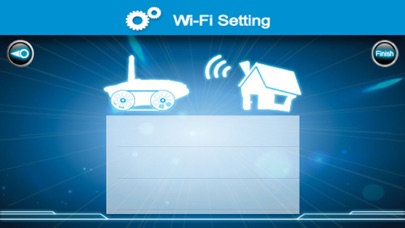
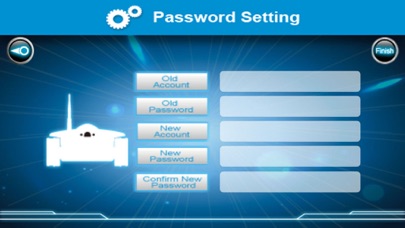
Control remote tanks via internet or local network. Configure tanks through the or use direct LAN control. Access video, audio, and photo functions. Adjust resolution and manage settings remotely.
Control the toys by P2P/Lan.
1.Open the Tech Tank Power, Listen "Waiting for config".
2.Open the IPhone Setting/Wi-Fi,then connect to SSID below the Tech Tank.
3.Open the i-Teck Tank App ,config the tank follow the infomation, or click the "Lan Control" on the home page to direct control the tank.
4.Click the "internet control" ,input the "remote id","user"and "password",then click the "Go".
5.Control the tank anywhere, and Video,Speak,Photo,change resolution etc.