Apps Like IP Tools - Network Debug Tool for iPhone and iPad
Ping devices locally or remotely
Ping allows users to ping devices by IP or domain. IPv4 info retrieves location, ISP, ASN, and announcements for public IPs. prefix info displays IP prefixes and ISP correlations. ASN info provides details about autonomous systems.
by APPZIBRAIN INFOTECH LLP★ 0.00 ratingsReferenceFreeData updated 2026-09-06
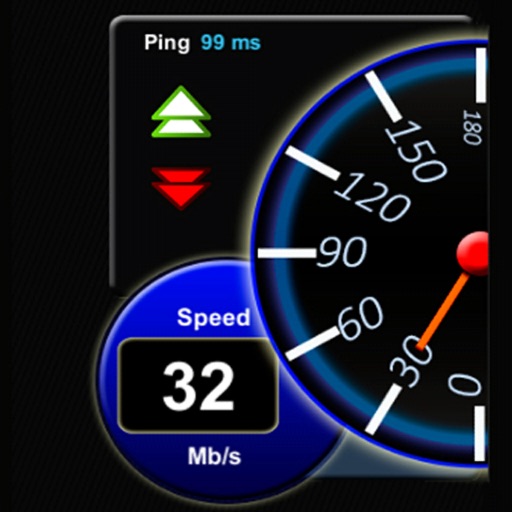
Check email leaks to see if your email or passwords are in known data breaches. Test internet speed with download, upload, and ping measurements. Use a secure VPN to browse anonymously and safely on any network.
Look up IP addresses and hostnames to find details like ISP, country, city, and time zone. Copy and share IP information. Track website owners' addresses. View geolocation on an integrated map.
3D maps with high-resolution terrain details. Track real-time GPS locations. Explore satellite imagery and active satellite data. Navigate through cities and rural areas with detailed landscape visuals.
Send Wake On Lan packets to power on a compatible Mac or PC. Check device status via ping. Configure network settings and BIOS for compatibility. Use Siri Shortcuts to trigger startup commands.
The app scans IPv4 and IPv6 networks to find active devices. It displays IP addresses, MAC addresses, and hostnames, with options for custom comments and URL opening.
The app retrieves a domain's DNS information, including IP addresses and name servers. Users can view public DNS records for domains and subdomains, query NS and CNAME records, and obtain authoritative responses.
Scan and clone web accounts across devices. Store and manage files securely. Chat with friends without saving contacts. Open multiple accounts on one device or sync accounts across devices. Share and view media directly.
Calculate IPv4 and IPv6 addresses with masks, CIDR notation, and wildcard masks. Input data for hosts requirements and check validity. Swipe to navigate between networks or view decimal/binary IP addresses.
Monitor real-time network speed and status. Display available storage and memory. Track cellular and WiFi traffic. Show daily and monthly data usage with optional premium features. Visualize system resources including CPU usage and IP address.
Secure browsing with allows users to connect to the internet anonymously. It hides IP addresses and prevents ISPs and third parties from tracking online activity.
The app displays a list of network servers from the user's machine to a target IP address or hostname. It attempts to place each server on a map with pins that change color based on latency.
Monitor uptime and response time with detailed daily, weekly, or monthly reports. Check performance from 30 global locations. Pause or resume uptime checks. Access alert details and manage unlimited tests through the .