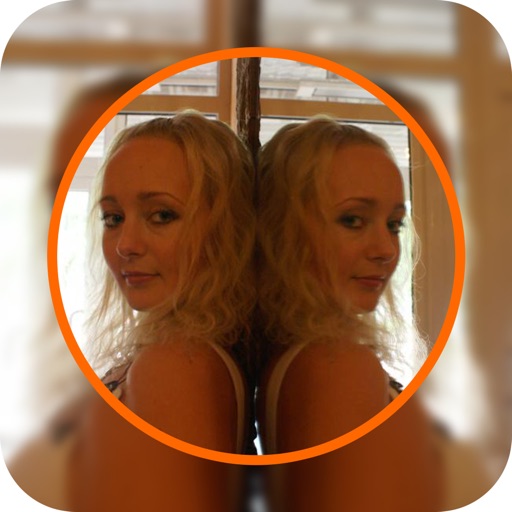
Display a circular viewfinder on desktop with customizable size and transparency. Switch between cameras during live streams, meetings, or screen recordings. Set foreground and background images for decoration.
by 栋梁 周★ 0.00 ratingsPhoto & VideoFreeData updated 2026-09-06
Edit photos with distortion simulation and 170-degree wide-angle view. Use four real-world camera emulations. Apply dozens of lomo effects. Process images from the gallery. Switch between front and rear cameras. Toggle flash.
Allows users to view their front-facing camera feed. Swipe to switch between camera frames. Adjust brightness and contrast settings. Share live video or screenshots directly.
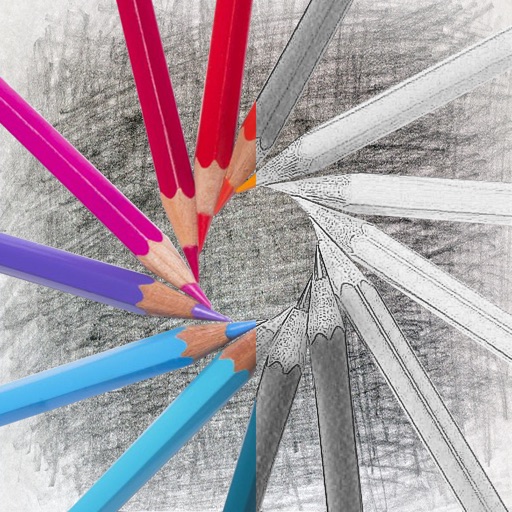
Convert photos into sketches with tone drawing engine. Adjust pen color, size, and background. Generate strokes with transparent backgrounds. Save sketches in original size and colorize with original colors.
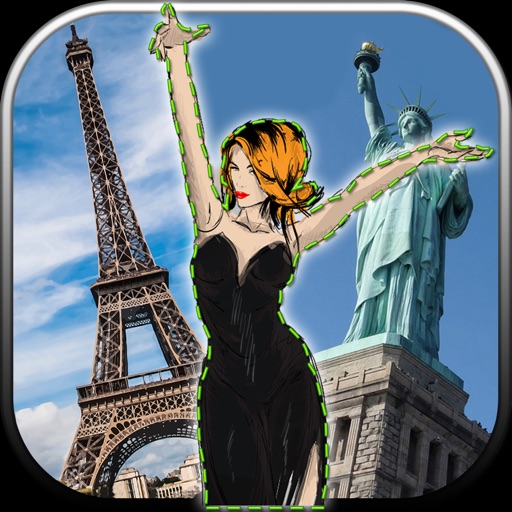
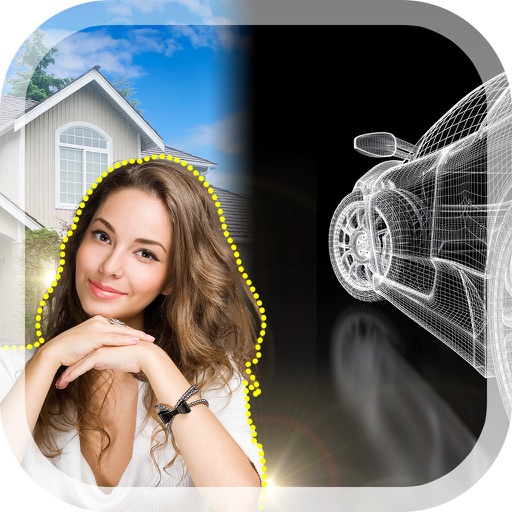
Edit photos by removing unwanted backgrounds and replacing them with scenic images. Cut out subjects and paste them onto new backgrounds. images for seamless montages. Share edited photos directly.
Apply -themed to images. Add text and stickers for customization. Share edited photos directly to social media or messaging apps. Includes a variety of spooky and festive frame options.