Display a circular viewfinder on desktop with customizable size and transparency. Switch between cameras during live streams, meetings, or screen recordings. Set foreground and background images for decoration.
by 栋梁 周★ 0.00 ratingsPhoto & VideoFreeData updated 2026-09-06
Displays time with a page-turning effect, showing hours, minutes, and seconds by default. Users can switch to a simplified mode with only hours and minutes. Over 40 white noise options are available for customization.
Record and switch between up to 9 external A/V inputs supporting NDI, NDI HX, SRT, or RTSP protocols. Use up to 4 UVC cameras on iPadOS 17. Access all built-in cameras on iPhone/iPad simultaneously.
View live feeds from IP cameras. Adjust image brightness and contrast. Flip or mirror images. Control LED and infrared functions. Select compatible models from a list.
View two different albums side by side or compare photos directly. Swipe left/right to navigate, pinch to zoom, and double-tap to enter full-screen mode. Create combined side-by-side images and access detailed EXIF data.
Select and apply unique to images. Choose photos from gallery or camera. Rotate and scale as needed. Save, share, or set photos in gallery. Display all saved photos in a list.
AI allows users to follow scripts synced to their voice. Users can record or import text, adjust font size and speed, and preview content before recording.
Create 3D floor plans using room templates and furniture library. Switch between floors and design roofs. Generate high-resolution images with filter options. Share project visuals with others.
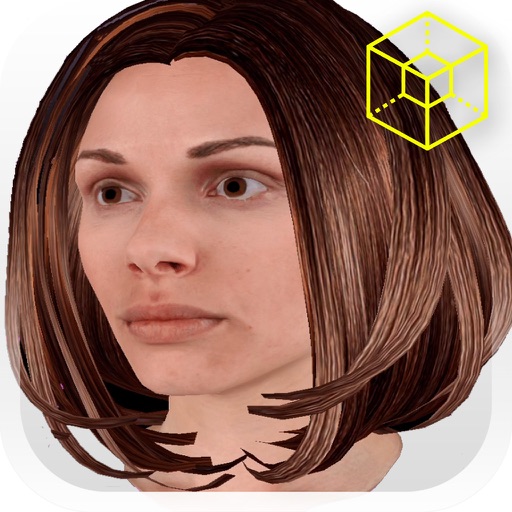
Try on hairstyles in 3D by rotating your head or selecting 360-degree views. Choose from over 35 styles for free or purchase additional packs. Record 6-second videos to show hairstylists or share directly.
Allows users to search over 200 cameras for specifications. View dynamic range, battery life, and file size details. Check drive space requirements and export settings. Compare features for set decisions or equipment selection.