The app provides practice for instrument flying skills. It includes exercises for VOR intercepts, holding entries, angle of lead calculations, and wind correction angle visualizations.
by Oliver Puetz★ 1.02 ratingsEducation$0.99Data updated 2026-10-14
Learn basic counting and arithmetic using an . Perform single-digit addition and subtraction. Practice number recognition and counting skills. Track progress with interactive exercises and visual aids.
Allows users to practice ear by playing back pitches on their instrument. The uses pitch recognition to identify notes and provides feedback. Users can select different instruments and practice identifying and replicating musical notes.
Study mode allows users to take untimed practice exams with instant answers and explanations. Flashcard mode enables reviewing flashcards and self-grading. The free version includes all practice questions and flashcards with ads.
View live METARs and TAFs for saved airports. Check NOTAMs and D-ATIS data. Access status maps. Perform e6b calculations with visualized results. Use home screen widgets for quick data. Sync with Apple Watch for on-the-go updates.
Plan flights with detailed aircraft profiles and radio frequency access. Calculate fuel requirements and flight times. Manage pre-flight checklists and weather data. Track in-flight performance and adjust routes as needed.
Calculate ballistics, track distance, sync rangefinder data
Smart Calculator: Input environmental parameters like wind speed, angle, and ammunition type to generate real-time bullet drop and windage corrections.
Calculate wind components, temperatures, altitudes, and airspeeds. Input runway number, wind direction, and speed. Determine headwind, tailwind, and crosswind values. Adjust for parallel runways based on magnetic heading.
The app offers a metronome and speed trainer for musical practice. It provides a clean and simple interface for users to set their tempo and enhance their instrument skills.
Calculate points with automated scoring and detect illegal entries. Track statistics for completed games. Supports Standard, Fantasy, and anniversary varieties.
Switch gauges, scroll frequencies, touch to control
Access and customize flight simulator gauges with multiple layout options. Switch between instrument panels for precise control. Use multi-touch for frequency adjustments or knob-like scrolling.
Perform basic and scientific calculations with equation display and history tracking. Switch between binary, octal, decimal, and hexadecimal modes. Calculate fractions directly. Use widget for quick computations.
Navigate PDFs using facial gestures to flip pages without hand movement. Make notes and highlights directly on sheet music or documents. Syncs with Apple Pencil for annotation and markup.
Practice on by matching finger positions to notes in the key of C. View music notation in sheet music format. Track progress and receive feedback on accuracy. No ads or in- purchases.
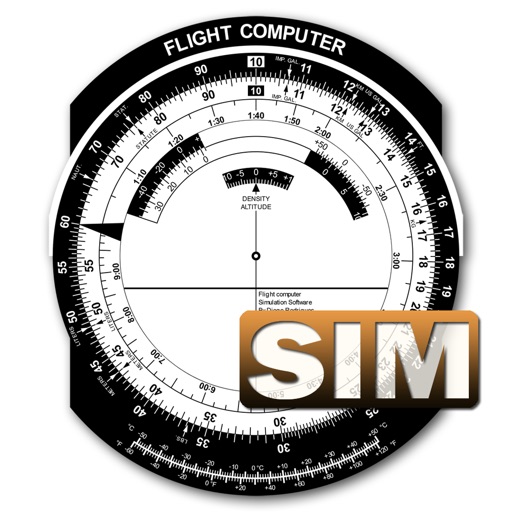
A utility simulates an E6B slide ruler for aircraft pilots. Perform conversions, wind corrections for low and high speed. Rotate, slide, and pinch zoom for precise control. Includes three calculation modes.
The app combines range estimation with a ballistics calculator for fast targeting. It offers real-time calculations and supports one-handed operation without manual measurement input.
Create and customize using real instrument sounds like guitar, mandolin, and standup bass. Play any chord progression in any key and speed. Practice with generated for bluegrass, old-time, fiddle tunes, and jazz/swing.