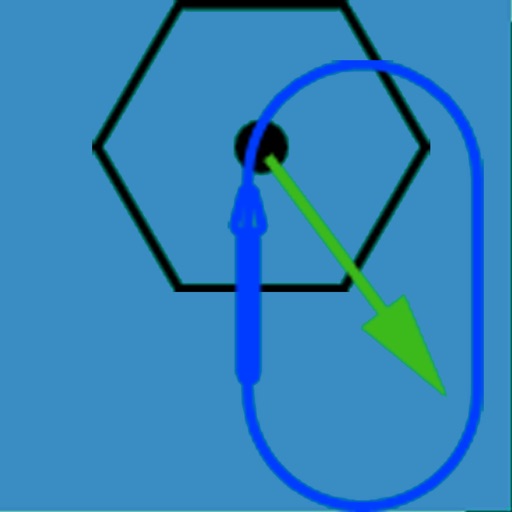
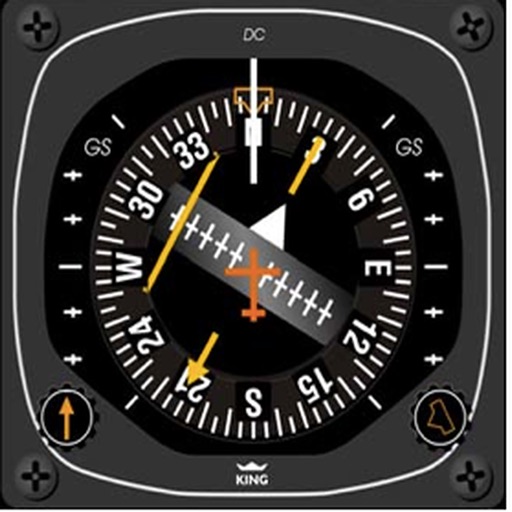
The app provides practice for instrument flying skills. It includes exercises for VOR intercepts, holding entries, angle of lead calculations, and wind correction angle visualizations.
by Oliver Puetz★ 1.02 ratingsEducation$0.99Data updated 2026-10-14
Teach bathroom habits through interactive games. Encourage creativity with customizable stickers and story creation. Develop math skills with simple calculation exercises. Include a painting tool for artistic expression.
Access aviation courses, including FAA handbooks, FAR/AIM, and practice tests. Watch HD/4K videos. Sync with Apple devices. Track progress through interactive lessons. Earn a certificate with structured course content.
Solve equations and graph functions with advanced math support. Perform calculus operations and matrix calculations. Access detailed tutorials and a comprehensive user manual. Export results and share calculations.
Length and height using your phone's as a or . Detect surroundings with AR technology. Use the level tool for precise measurements. Place aiming mark on object for accurate readings.
Access real-time data and control virtual . Tune global aviation radios or create custom radio aids. Practice navigation techniques and use as a training tool or supplementary instrument during flights.
A a log of all calculations. Displays input equations and results clearly. Includes backspace function. Allows adjustable keyboard size and number font size. Supports customization of decimal places, font size for , and display format.
Calculate trigonometric values for the by inputting radians or angles. Display step-by-step solutions and support negative numbers, decimals, and fractions. Save calculations in history and share results.
Track stock portfolios with performance metrics including realized and unrealized gains, daily and total changes, and annualized gains. View pie charts for allocation. Manage multiple portfolios across different stock markets.
Practice with feedback on tone, pace, and clarity. Record and replay sessions for self-assessment. Receive personalized coaching tips. Track progress over time. Integrate with calendar for scheduled practice. Share recordings for review.
Practice with interactive exercises that improve accuracy, rhythm, and note recognition. Use MIDI instruments, microphone input, or on-screen keyboard for flexible practice. Track progress and refine musical skills through targeted sessions.
The app visually represents an aircraft and a holding pattern relative to a navigation aid. Users can learn to determine their position using ADF, VOR, and heading information, and identify correct entry patterns for standard and non-standard holds.
Solve equations, perform algebraic calculations, and graph functions. Support for multiple models including TI-83, TI-84, TI-89, Casio FX, and Sharp EL. Includes a scientific , fraction simplifier, and unit converter.
Test knowledge of systems with multiple choice quizzes on ADF, VOR, DME, NDB, HSI, and RMI. Practice positioning, holding patterns, and standard procedures. Track progress and reinforce understanding of instrument flight techniques.
Plan and visualize shots from approach to target with overlays like entry angle and distance markers. Save favorite shots and use video mode for analysis.
Learn to read and interpret ADF and RMI indications. Track bearings to and from NDBs. Apply IFR procedures with step-by-step lessons and instant feedback. Practice core radio-nav skills through interactive training.