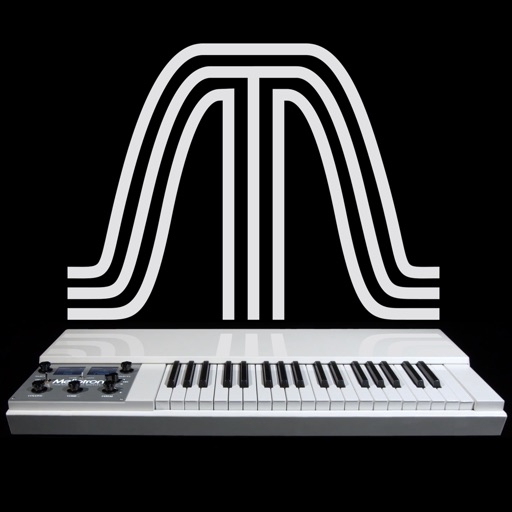
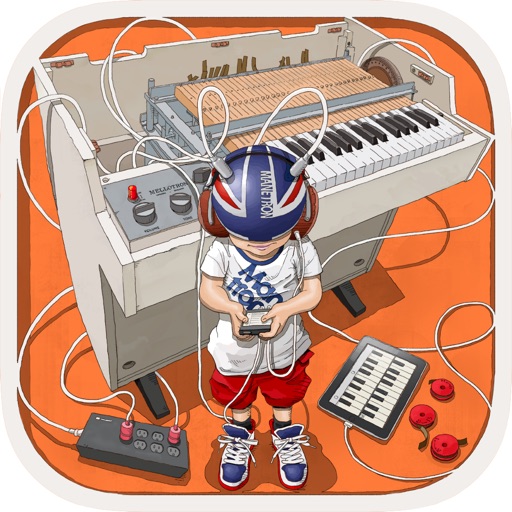
The app reproduces the sounds of the original Mellotron. It features six sounds from the original library, allowing keyboardists to play real instrument sounds.
by Markus Resch★ 4.54 ratingsMusic$1.99Data updated 2026-11-06
Create and edit custom sounds with a powerful engine. Apply effects and adjust parameters through an intuitive touch control interface. Play music with a friendly animated that performs in real-time.
Create and customize virtual synths with a wide range of sounds, from analog to modern digital styles. Adjust parameters like filters, envelopes, and modulation. Export audio files and integrate with music production software.
Learn about musical instruments through interactive . Tap on instruments to hear their actual . Explore images and associated audio. Receive feedback on ratings and contact support via email.
Record and edit up to 16 tracks of looped audio. Adjust track settings, use sound-on-sound and overwrite modes. Supports Inter Audio and AudioBus for virtual instrument integration. Customize loops and perform live recordings.
Create stereo delays with adjustable parameters for various sound effects. Simulate tape characteristics including noise and warble. Apply filters in the delay loop for dub-style tones. Use stereo delay, detune, and ping-pong options.
Play music from Apple Music with an animated cassette interface. Navigate songs using swipe gestures. Choose from a selection of cassettes. Tap to play or pause.
Play the oud instrument with realistic acoustic sound. Access scales and notes for practice. Record and share music on social media. Use a piano interface with oud sounds. Manage audio files and engage with interactive features.
Create and customize drum patterns using synthesis models. Adjust parameters like pitch, timing, and velocity. Layer multiple drum sounds. Export projects and share files. Sync with MIDI devices.
Identify musical notes using device microphone. Display frequency and pitch in real time. Tune instruments or voice with visual feedback. Track history for accuracy improvement. Supports piano and other instruments.
The app provides vintage tape sampling keyboard sounds from a 70s model. Users can experience real motor and mechanical sounds with tape running animation.
Measure objects using screen size, augmented reality, or printed rulers. Place virtual on surfaces with ARKit. Print rulers via AirPrint. Compare printed results with on-screen measurements. No ads, in- purchases, or tracking.
Analyze MIDI and audio to identify key and scale. Suggest chords, melodies, and basslines. Connect to keyboards, synths, or MIDI devices via Bluetooth. Edit and arrange musical content. Export tracks in various formats.
Edit and customize saxophone tones, synthesizer sounds, and shakuhachi voices. Adjust effects and modify sound parameters visually. Set detailed instrument settings not available on the device itself.
Play and various instrument sounds. Record songs while playing. Adjust keyboard size in 6 levels. Use 8 different and instrument tones. Scroll smoothly during performance.
Play multiple instruments simultaneously using MIDI Polyphonic Expression. Access 8 layouts with multiple rows and octaves. Choose from 15+ scales. Use a powerful arpeggiator. Operate as a standalone device with multiple keyboards.
The app helps users learn sheet music and improve sight-reading abilities. It develops speed in identifying music notes through timed sessions, with options for different clefs and practice modes.