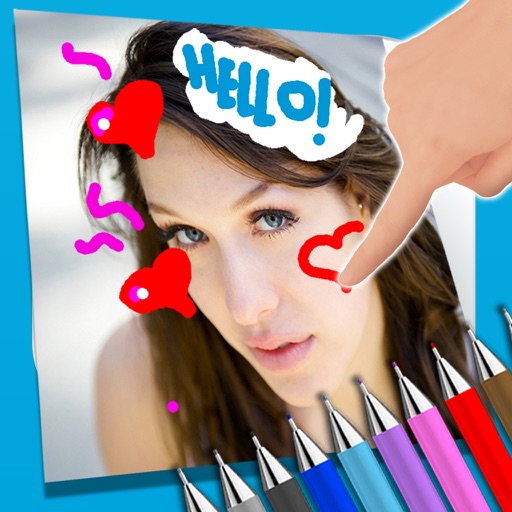
Create and edit drawing tools and photo additions. Paint on images finger input. Move, rotate, and scale added . Save and share creations via social media apps. Offers a simple interface for note-taking and visual projects.
The app transforms photos into bubble paint artwork using special algorithms. Users can explore over 100 creative combinations and generate animated GIFs from their bubble paint creations.
Identify colors using the camera. Preview and save matched colors from brands like Sherwin-Williams, Benjamin Moore, and Dulux. Compare swatches side by side. Save and organize palettes for future projects. Share codes and swatches with others.
Convert photos into artistic styles like cartoons, watercolors, and pencil sketches using AI. Apply filters and adjust details. Save and share edited images directly.
The app allows users to draw and sketch ideas with an easy-to-use interface. It offers various tools like pencil, line, oval, and rectangle, along with an eraser and undo/redo functionality.
Convert to grayscale and highlight a specific . Tap to select the to emphasize. Preserve detail and apply effects using advanced computer vision. Export edited images directly.
Upload photos or sketches to generate high-resolution home design visuals. Explore over 20 pre-designed styles for instant inspiration. Adjust details to customize spaces. Share rendered designs directly with others.
The app allows users to write notes and draw on images using a photo and text editor. Users can select from three pencil types and various colors, change backgrounds, and add captions to photos.
Connect your smartphone to the printer via Bluetooth. Select and edit photos for printing. Choose between -Natural Mode for standard quality or -Rich Mode for vibrant colors. Use QR Print Mode to add QR codes to prints.
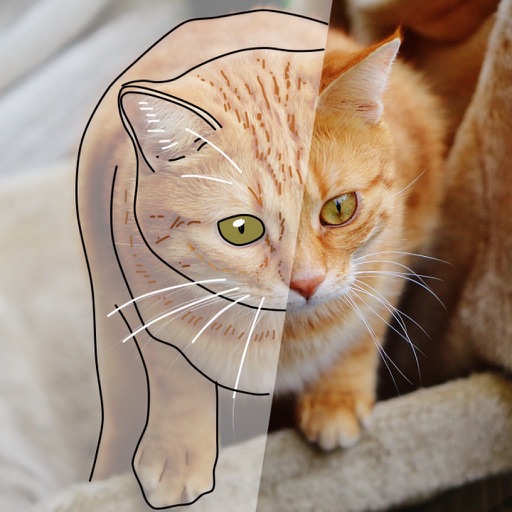
Over image templates with automatic pen tracking for accurate . Select from preloaded categories like animals, flowers, and vehicles. Choose from over 150 colors to customize drawings. Export final artwork in various formats.