Create frame-by-frame animations from scratch or based on videos, images, or Photoshop layers. Export in multiple formats. Draw and animate directly on iPad or iPhone.
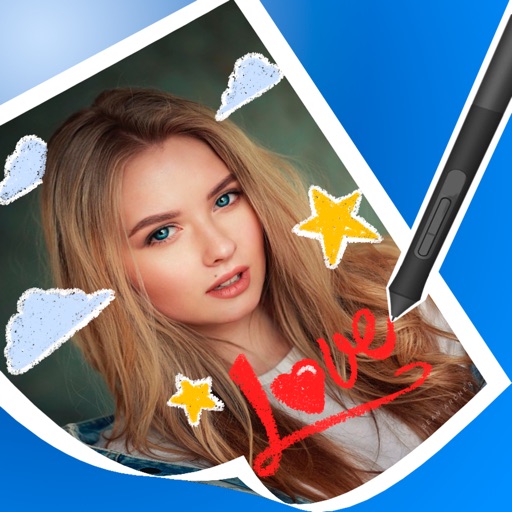
Edit images by on photos with 45 colors and five pen thicknesses. Use zoom edit and undo functionality. Add text with drag and pinch for free layout. Import from camera roll and attach images. Share edited content via email, Twitter, and Facebook.
Create digital with pressure-sensitive strokes. Adjust pen pressure for varying line widths. Choose from multiple brush styles and ink colors. Save and share artwork directly. Import custom fonts and templates. Export in various file formats.
Train observation and anatomy skills with timed figure sessions. Select pose duration, choose from photo galleries, and start immediately. A summary displays performance after each session.
Design with precision, edit vector graphics, create
Create illustrations, branding, logos, and UI/UX designs. Edit vector graphics and raster images. Apply filters, adjust colors, and add text. Export in multiple formats and share directly. Sync with desktop versions for seamless workflow.
Pollux Bilisim Teknolojileri Sanayi ve Ticaret Limited Sirketi
Sketch on photos with AR
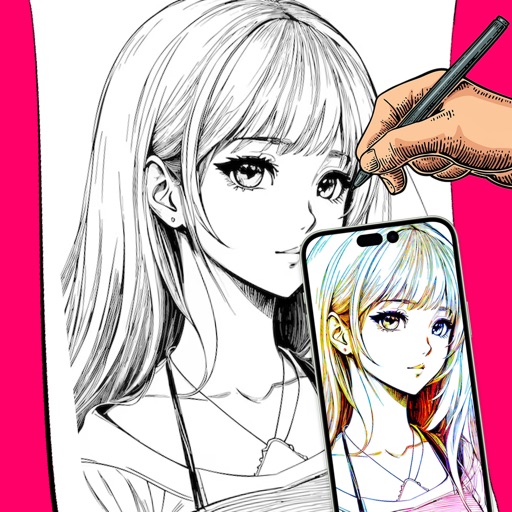
Use AR to sketch and draw on photos with realistic ink effects. outlines or create pencil sketches from images. Convert photos into artistic drawings with AI-powered tools. Save and share finished artwork directly.
Create and customize digital artwork with a wide range of colors and brushes. Choose from pre-designed pages or upload personal images for . Switch to dark mode to reduce screen strain. Save and share completed drawings.
Create manga and illustrations using free tools like G-pens, mapping pens, tones, and backgrounds. Access lessons on story creation, character design, and dialogue from editorial team. Enter contests and receive updates on available competitions.
To with guided lessons that show real strokes from professional artists. Practice step-by-step techniques to build confidence and accuracy. Use Apple Pencil for precise input and track progress through interactive exercises.
Create intricate designs, patterns, and mandalas using intuitive drawing tools. Use a single stroke to generate complex artwork. Access a variety of brushes and color options. Save and share creations directly.