Create collages and edit photos with cropping, filters, and text. Add stickers and remove backgrounds. Edit videos, create slideshows, and design invitations. Share directly to Instagram with hashtag management.
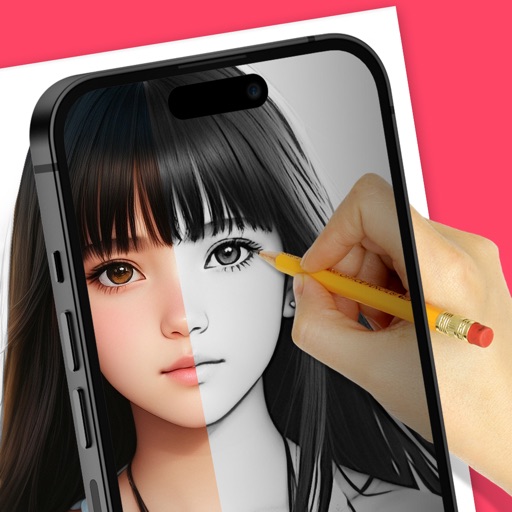
Trace images to create sketches or drawings. Adjust line thickness and brush styles. Use an eraser tool. Apply filters to images. Select from gallery or take new photos. Draw on paper with phone held 1 foot above.
Rtwork from text input using AI technology. Input ideas and watch them transform into visual art instantly. Customize styles and refine outputs. Share or save generated images directly.
Create designs by selecting from various styles like mandalas, dragons, florals, and minimalist patterns. Customize elements such as colors, shapes, and text. Save and share designs directly.
Create pencil sketches, oil paintings, and other artistic effects from photos. Choose from 13 styles including watercolor and comic black and white. Adjust colors and resize images. Export edited photos.
Transform photos into artistic creations using AI-powered style transformations. Choose from 30+ options like watercolor, oil painting, pixel art, and comic book. Apply effects to portraits or snapshots and export the results.
Using AI to create depth in photos. Upload images from the camera roll. Select or mode. Apply customizable effects including default, radius, motion, zoom, box, surface, and bokeh. Adjust settings for precise results. Export edited photos directly.
Create pictures by applying cartoon filters to selfies and photos. Edit images with graphics and text. Update pictures frequently and save edits for future use.
Edit photos and videos with gradient filters, color effects, and vintage styles. Apply effects during recording. Save and share edited content directly.
Edit images with filters, effects, and background erasing. Add , stickers, and shapes to . Use layers for advanced editing. Access a large font library and sticker collection. Create flyers, posters, and social media content.