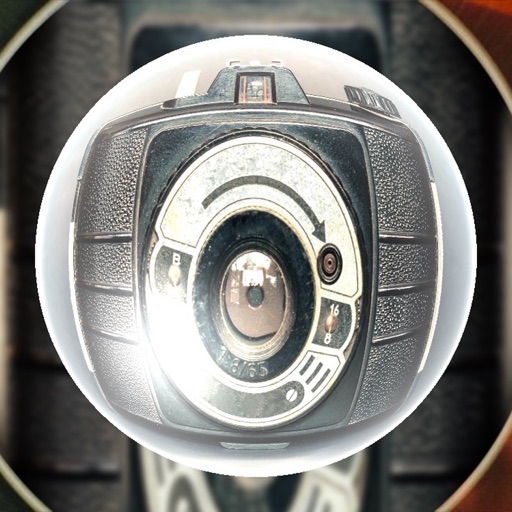
Capture photos and videos with real-time sparkling lens flares. Choose from star, snow, flower, and tree shapes. Add or remove glitter objects manually in photos and videos. Adjust sparkles in the photo album.
The app allows users to create DSLR-quality photos with blurred backgrounds and bokeh effects. It features an easy editing process with a selection tool and loupe for detail-oriented editing, and users can adjust the bokeh level.
Export Photos as GIF, , or still images. Customize GIF settings including resolution and frame rate. Batch export multiple Photos with consistent settings. Limit GIF file size for social media. Export single frames from Photos.
Arthur Eduardo Skaetta Alvarez Desenvolvimento de Software LTDA.
Select frames and export -res photos
Select a and scroll through frames to capture a - image. Export the selected frame in original resolution or HEIC format for smaller file size. Share the image directly from the .
Edit photos to correct distortion, straighten images, and adjust non-rectangular shapes into rectangles. Manually or automatically correct tilt and distortions. Distort or reshape photos and graphics as needed.
Remove unwanted areas from images or PDF files using precise cropping tools. Stitch multiple images or PDF pages together. Export cropped content as JPEG, PNG, or PDF to the Photo Library or other apps.
Capture spatial photos and videos in 3D on iPhone Xs and later models. Record up to 4K and HDR spatial videos on compatible devices. Use time-lapse mode for dynamic captures. Launch Spatial Camera from the lock screen on iOS 18.
Convert photos into limited-color posters with a effect. Apply filters to adjust colors and brightness. Share images on social media platforms like Facebook and Twitter. Save or email the edited photos directly.
Take high quality photos and videos using triple and dual systems. Adjust exposure and use 10x zoom for both photos and videos. Record HDR videos with real time zoom and smooth focus. Switch between lenses automatically or manually.
Compress and edit videos with batch processing, trimming, cropping, splitting, merging, and rotating. Choose H.264 or HEVC codecs with resolution options. Adjust frame rates for 240 FPS videos. Save space with efficient compression.
Capture photos and videos with high resolution up to 4032x3024 and 4K. Switch between front and back cameras. Use face detection, grid, and image stabilization. Zoom up to 10x. Adjust focus and exposure by tapping.