iPhone Screenshots
Description
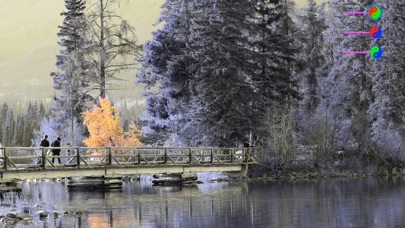
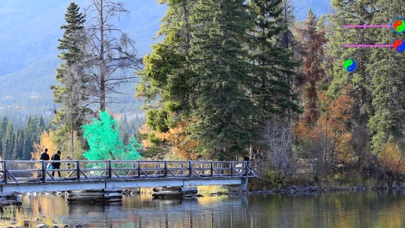
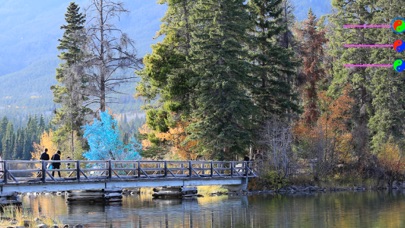
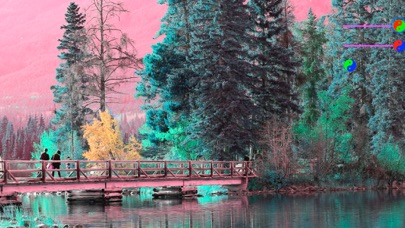
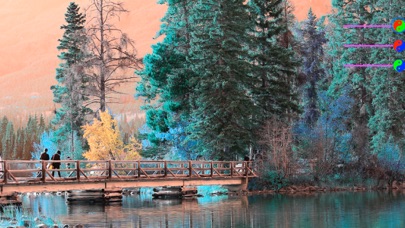
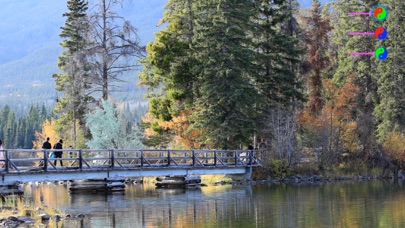
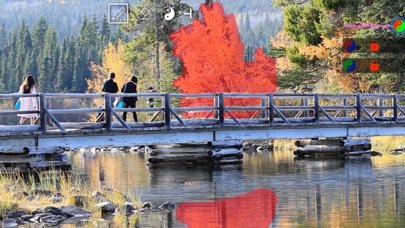
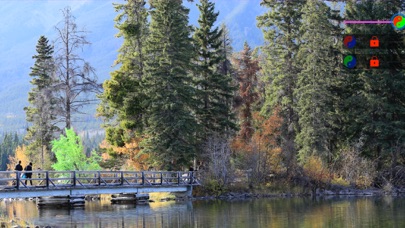
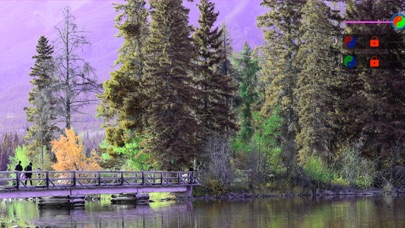
It's simple to adjust image's color by swapping Red / Green / Blue channel each other.
Easy to make an infrared effect photo.
This app won't cause any loss of image quality.
How to it works:
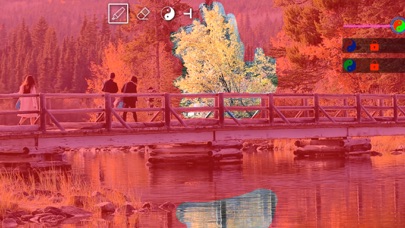
1. Click RG \ RB \ GB buttons to select channel to be mixed
2.Long press on mask-view to set a mask.
3. Drag slider to change swapping volume
4. Save
Please Note:
The Red-Green swapping is free, the Red-Blue swapping or the Green-Blue swapping needs to pay.
The Mac version of this app is also available in Mac App Store now.