Apps Like DrawUp - Learn To Draw for iPhone and iPad
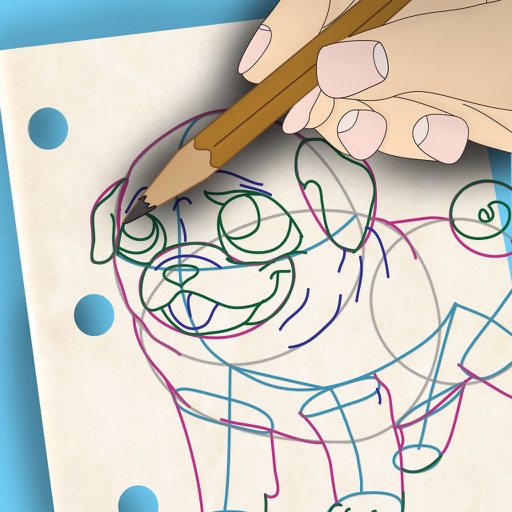
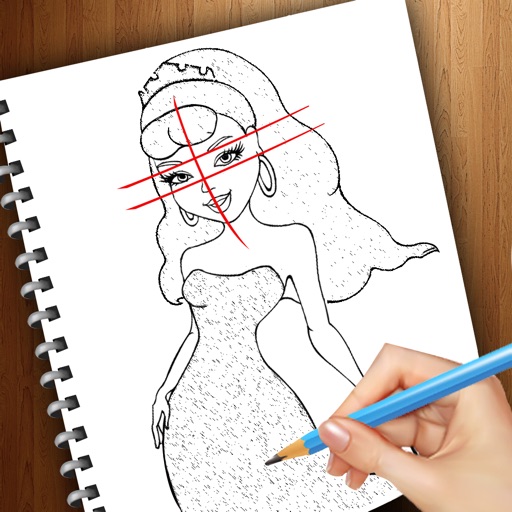
And with step-by-step lessons
To with structured tutorials and daily practice exercises. Follow step-by-step guides to create illustrations. Access a variety of drawing tools and customize your workspace. Save and review progress to track skill development over time.
by Outlane, Inc.★ 4.83,812 ratingsEducationFreeData updated 2026-09-06
Learn drawing through step-by-step tutorials. Create and customize designs. Save and share artwork. Access drawing lessons for beginners and advanced users. Track progress and practice sketching techniques.
Teaches drawing anime characters through video tutorials. Breaks down character design into -by- lessons. Covers foundational techniques and advanced details. Allows users to practice and refine their skills progressively.
To draw with step-by-step visual guides that break down illustrations into simple steps. Choose from drawings of animals, characters, and vehicles. Draw on real paper while the device shows instructions.
With step-by-step tutorials and exercises. Access offline lessons for anytime practice. Follow detailed instructions to improve techniques. Track progress through guided sessions. Export drawings directly from the .
Coloring pages allow toddlers to draw and color in various themes. Pages include animals, dinosaurs, dolls, and more. Features include hand-eye coordination exercises, color recognition activities, and creative tools.
Allows users to create drawings with customizable tools and layers. Share artwork with friends or join collaborative sessions. Access weekly drawing lessons and tutorials. Save and organize projects in a personal gallery.
Children can color and draw with themed pages to develop fine motor skills. The includes drawing lessons, interactive characters, and sound effects. Users can switch between themed packs and save progress.
Use your phone to project templates onto paper for . Upload and create custom art. Access sections for anime, tattoos, and cars. Record video of your process. Sync drawings with AR features for enhanced sketching.
Create digital art with drawing and painting tools. Use a wide range of brushes and customize settings for precise control. Add motion with animation tools and motion paths. Utilize symmetry guides for balanced designs.
Create intricate designs, patterns, and mandalas using intuitive drawing tools. Use a single stroke to generate complex artwork. Access a variety of brushes and color options. Save and share creations directly.
Create and refine artwork using AI-powered tools and AR integration. Access 550+ lessons with character-based tutorials. Collaborate with others in real-time. Track progress and receive feedback. Export drawings in various formats.
Create animations using a drawing interface with tools for sketching and refining artwork. Import images or draw frames manually. Export animations as GIFs or videos. Share creations directly from the .
Create daily drawing to inspire artwork. using preferred medium. Share creations with global artists. Track progress over time to improve skills. Receive curated to avoid creative blocks.
Create art using augmented reality tools and follow step-by-step artist-led tutorials. Access daily for various mediums like acrylic, pencil, and watercolor.
Use your phone camera to draw on any surface. Access templates for animals, cars, and nature. Utilize the built-in flashlight for better visibility. Share completed drawings with friends. Create art using augmented reality technology.