Apply aging effects to photos to simulate aging or youth. Transform selfies into celebrity looks with cosplay filters. Edit images with effects, filters, and adjustments. Export edited photos in various formats and share directly.
Remove backgrounds from images using automatic or manual tools. Edit photos with removal, erasing, and recovery brushes. Save and share edited images directly.
Create videos with 1000+ templates, motion stickers, text transitions, and font styles. Add music and export in various formats. Edit clips and customize with effects for channels.
Create glitch effects, animated photos, and trippy videos. Apply retro filters and edit frames manually. Generate NFTs for digital art projects. Export and share edited content directly.
Edit photos and videos with 6 custom film camera filters and 14 unique film stock options. Apply 130 professional presets for consistent color grading. Adjust exposure, contrast, and saturation manually.
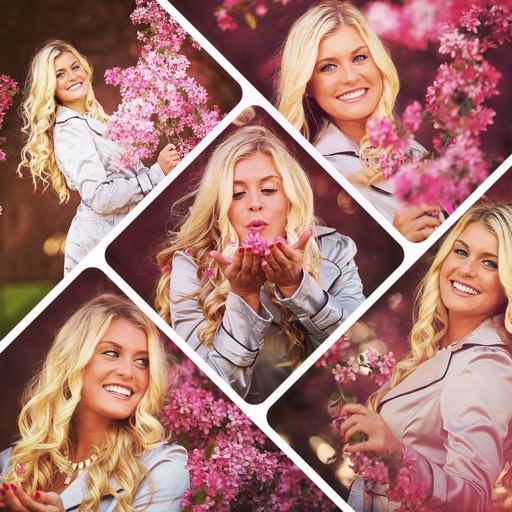
Create collages by combining multiple photos using various frame patterns and grid layouts. Apply over 1100 design styles to individual images or collages. Share finished creations directly from the .
Digitize old photos and slides by scanning with your device's camera. Convert images to high-quality digital format and colorize them. Save and share edited photos. and preserve documents and artwork.
Edit photos with AI cartoon filters, -to-sketch conversion, and mosaic art creation. Remove backgrounds, add drip art, and create collages. Save and share edited images directly.
Create videos using AI-generated content. Upload images or text to generate clips. Edit and customize length, style, and background. Export and share finished videos directly.
Create greeting cards and postcards with customizable templates, decorations, stickers, emojis, and fonts. Add photos, adjust text, and export designs to share via social media or email.
And edit photos with customizable size formats. Choose from square, portrait, or landscape. Add photos from the library and adjust their position, rotation, and size. Use the adjustments tool for precise edits.