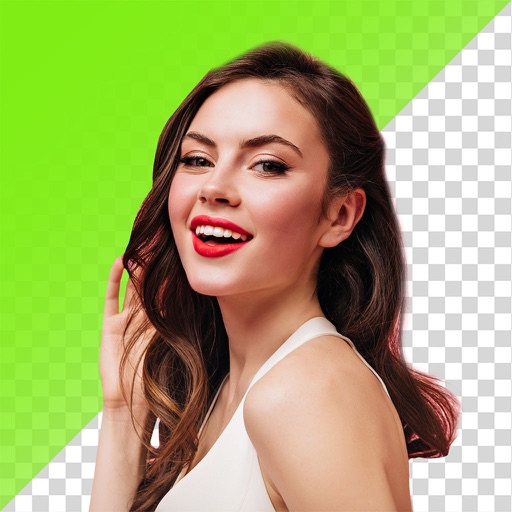
Remove backgrounds or objects using AI by adding a and tapping "remove." Adjust the new background to a custom color, white, another image, a gradient, or a preset. Add text, shapes, and photos to the edited image.
Create AI-generated images, avatars, and logos from text or photos. Edit photos with advanced tools. Redesign home interiors using AI. vatars from uploaded images. Transform ideas into visuals with AI-powered design features.
Add vibrant color to specific image areas using the Color Splash Effect. Adjust intensity and placement. Export edited in various formats. Share directly from the .
Edit photos with AI-powered one-tap tools and auto-collage features. Create collages and design layouts using professional templates. Apply artsy effects to turn photos into paintings, cartoons, or sketches.
Remove backgrounds from photos using AI-powered auto-detection. Cut out subjects with one touch. Export as high-quality PNGs with transparent backgrounds. Edit images by adjusting edges and refining details. Save and share edited files directly.
Edit photos by removing backgrounds with mode, object extraction, and quick select tools. Use transparent backgrounds for stamps and collages. Share edited images directly with other apps.
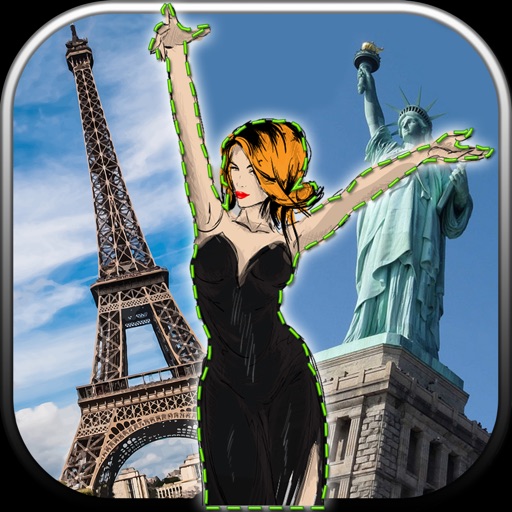
Edit photos by removing unwanted backgrounds and replacing them with scenic images. Cut out subjects and paste them onto new backgrounds. images for seamless montages. Share edited photos directly.
Create videos from text or images using AI effects. Apply AI-generated hairstyles and outfits to profile photos. rt in cartoon styles or old school yearbook trends. Add face filters and makeup to photos.