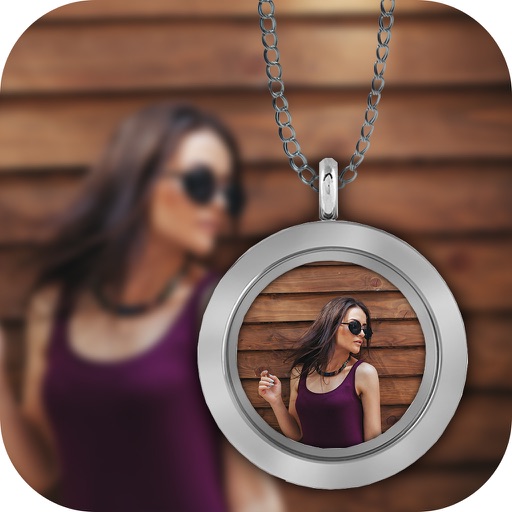
The app displays user pictures in a virtual gallery. Users can add pictures from albums, arrange them on walls using gestures, and add frames with custom depth, width, and color.
Resize photos to fit Instagram's format. Adjust dimensions and crop images precisely. Share edited photos directly to social media. Maintain image quality during resizing. Apply basic editing tools for optimal framing.
Edit photos with -themed and backgrounds. Add text and customize images. Choose from over 50 frame options. Import photos from gallery or capture new images. Share edited photos directly.
Create square frames using images from your photo library. Add multiple images to a frame. Change . Rotate, resize, and reposition images. Preview the final image. Save the completed image to your photo library.
Capture photos with a variety of frames including general, antique, fame, fun, heart, flower, kid, Christmas, Halloween, diamond, and gold. Use custom frames with adjustable transparency, hue, saturation, and brightness. Apply filters and effects.
Create thumbnails for YouTube videos by uploading a photo or video frame and describing the desired vibe. Generate multiple high-impact options tailored for long-form videos and Shorts. Save and reuse designs for consistent branding.