Allows users to manage code snippets with grouping and importance ratings. Snippets can be searched across groups or individually. Each snippet has a unique identifier for tracking. Users can run content searches within groups or all groups.
by Tomoyuki Okawa★ 0.00 ratingsDeveloper ToolsFreeData updated 2026-09-06
Enhances SO browsing by removing horizontal scroll and expanding code snippet views. Allows users to navigate content more efficiently and view code examples without scrolling.
Manage system tasks with SSH and SFTP protocols. Control Docker and Podman containers. Monitor network latency with Ping. Edit code snippets. Download alternative versions or compile from source. Supports major Linux distributions.
Save and organize code snippets in one place. Search for snippets quickly with powerful search functionality. Sync snippets across devices for access anywhere. View code with syntax highlighting for better readability.
Store and organize code in multiple languages including Objective-C, Swift, and Python. Edit code directly, add widgets to copy to clipboard, and share with others. Export code with enhanced image options and themes.
Editor with built-in Node.js, Python, C, C++, PHP, and Java runtimes. Supports Monaco Editor for high-performance text editing. Offers autocomplete and static analysis for Python and Java.
Manage and organize code snippets with advanced search, synchronization, categorization, and version control. Integrate with IDEs and text editors for quick access. Securely store and deploy snippets across projects.
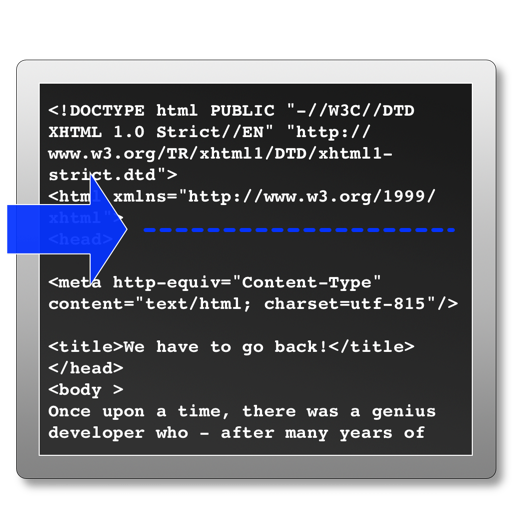
The app processes selected HTML files to add analytics tracking code before the head tag. It skips files that already contain tracking code and can create backup files before modifying originals.
Connect to servers via SSH, , Telnet, and Port Forwarding. Use password, two-factor, or key-based authentication. Manage remote systems securely from iOS or macOS devices. View and edit files directly on the server.
Allows users to create and store reusable of text, code, and templates. Access instantly via the keyboard during typing or from selected text. Sync across iPhone, iPad, and Mac using iCloud.