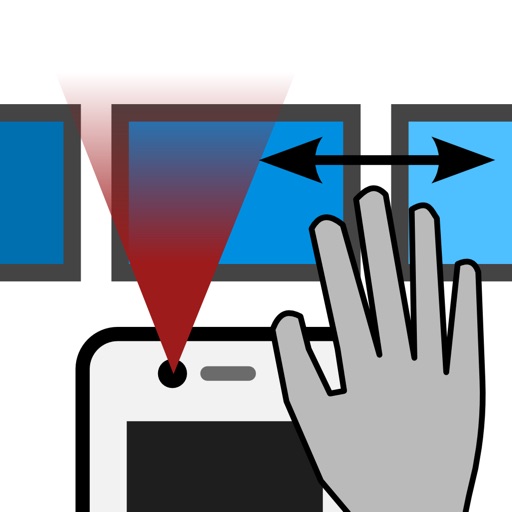
The app allows device control through hand gestures in the air. Users can browse pictures using swipe gestures without touching the screen, which is useful for presentations and for those with difficulty using their hands.
The app allows users to create icons for various Apple and Android devices. Users can drag and drop images or paste from the clipboard to generate icon files for Xcode or Android.
Adjust lock screen positions with spacers. Choose from two sizes and an inline option for date style customization. Set a custom message above the clock via settings.
Convert units across 30 categories with over 700 measurement options. Switch between light and dark modes. Use a backspace key for editing. Perform conversions quickly with an intuitive interface.
Share recipes, edit notes, and invite collaborators
Collect and organize recipes from any device. Share and collaborate on books with family or friends. Tag recipes with categories like Vegetarian, Dessert, or Baking for easy retrieval. Import recipes from websites or files.
Manage bookmarks across iPhone, iPad, and Mac. Search using Spotlight. Input links and notes with keyboard. Organize with tags, folders, and Smart Lists. Store images, files, and notes.
The app offers one-click app launching and smart sorting by usage. It supports searching, editing, adding, and deleting shortcuts, with data backup options.
Display memos as on the home screen. Create, edit, and organize notes with text input. Set reminders and categorize memos. Share notes via copy or email. Sync across devices.
The app transforms an iPhone into a computer trackpad and keyboard. It connects via Bluetooth, Wi-Fi, or USB for immediate control of Mac and Windows systems.