Manage servers, NAS, and Linux routers via SSH without extra software. Connect remotely using terminal sessions. Execute scripts across multiple servers. Monitor performance metrics.
Control computers via sharing, trackpad/mouse, and Apple Pencil. Connect using RDP, SSH, Telnet, and VNC. Manage sessions, transfer files, and customize keyboard shortcuts. Supports iOS and Mac devices.
The app transforms an iPad into a wireless mouse, keyboard, and trackpad for a computer. It allows control of a laptop over a local network, functioning as a replacement for broken input devices.
Transform your phone into a wireless , keyboard, and trackpad for your computer. Control cursor movement, type on virtual keys, and use multi-touch gestures. Manage computer power states and navigate media playback remotely.
Control your Mac or PC with an iPhone, , or iPod. Use simulated touchpad and keyboard functions. Access panels for media playback, file transfers, and presentation controls.
Save frequently used text, phrases, and emojis to access them instantly within the . Add custom entries and retrieve them quickly for efficient typing and messaging.
Convert voice notes into text, emails, or documents. Record thoughts aloud for summaries or turn single sentences into professional emails. Use AI for accurate transcription and formatting.
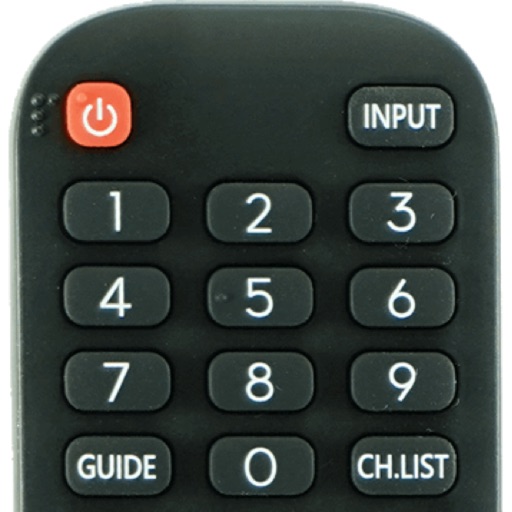
Devices with preloaded models including EN3V39H, 55H6E, and 55R6000E. Access saved profiles for quick use. Navigate with a fast touch pad and keyboard. Use a clean interface to manage device functions without installation.
Share text and emojis with one-click sending from preloaded phrases. Add custom content to the clipboard. Automatically send lyrics in segments or user-generated text. Supports unlimited additions and auto- functionality.
The app offers scientific and standard modes with over 30 scientific operations. It supports degrees and radians, parentheses, and output in decimal or scientific notation.
Perform calculations using reverse Polish notation. Swipe to undo or redo operations. Access a 100-entry stack and 6 memory buttons. View large, easy-to-read displays. Save state on exit. Supports scientific functions and multiple undo/redo levels.
Automatically detects and removes unused files to free up . It cleans device cache and temporary data. Users can scan for unnecessary apps and delete them. The also clears speaker dust and water stains to improve sound quality.
Create and edit text-based stories, notes, and wordplay. Sort entries by date, title, or last modified. Adjust font size using a slider. Features include large default font and minimalistic interface without spell checking or autocorrection.