And customize kinetic art patterns. Select from public designs or upload custom patterns. Adjust speed and lighting settings. Sync with Mini to display patterns in real time. Monitor and manage art sessions.
by Kinetic Oasis LLC★ 4.01,110 ratingsUtilitiesFreeData updated 2026-09-06
Customize vibration patterns for relaxation. Select from various modes with adjustable intensity. Set timer durations for sessions. Sync with wearable devices to track usage. Adjust settings for personalized wellness routines.
Create AI-generated art from text prompts by selecting a style and generating images. Design tattoo artwork based on descriptions. Save and share generated art directly.
Create art with 10 brushes. Adjust brush size and color randomly. Import photos to doodle on. Add drawings to family images for customization. Save and share completed artwork.
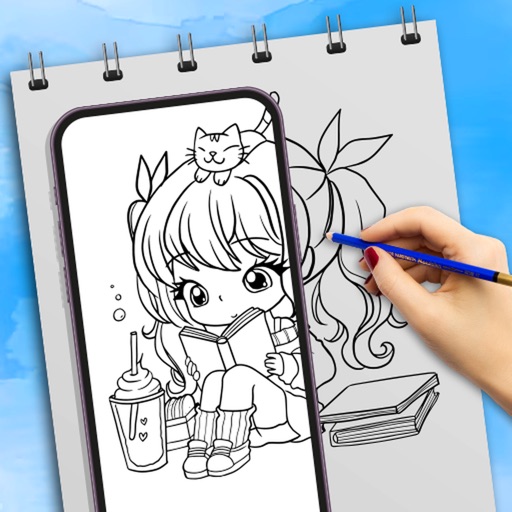
Use camera to draw and paint in augmented reality. Access tracing templates for animals, cars, nature, food, anime, and more. Adjust brush size and color. Save and share artwork directly.
Allows users to perform calculations for and engineering parameters. It includes formulas and definitions for each calculation. Users can compute force, friction, centripetal force, work, power, displacement, and more.
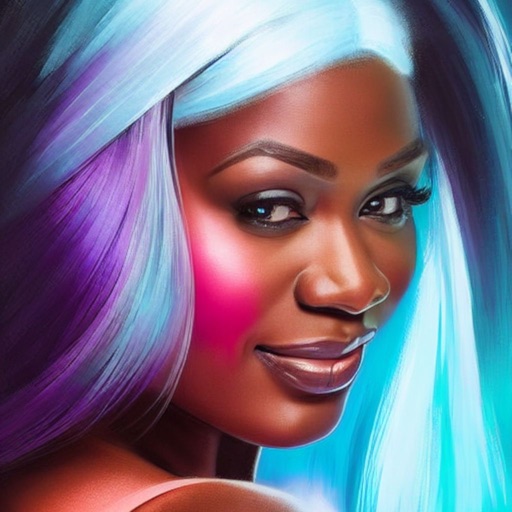
Upload selfies to generate avatars using AI. Create characters in various art styles and scenarios. Edit and refine designs. Share creations on social media platforms. Convert text into visual art.
Adjust tempo and follow user taps for custom beats. Display up to 16 beats with adjustable emphasis or silence. Select time signatures quickly. Track practice sessions and share recordings. Sync with music apps for real-time feedback.
Create custom photo, date, text art, and countdown widgets for iOS 14. Add unlimited photo widgets freely. Customize home screen with images, text, shapes, or time displays. Share widgets across devices. Edit content and layout.
Create designs using an AI generator that offers multiple styles like tags and murals. Choose colors and patterns. Save or share artwork directly. Adjust details with editing tools. Import custom images for personalized designs.
Create custom designs using AI-generated patterns. Choose from various styles and colors. Save and share designs. Apply to real nails via augmented reality. Adjust details like size and placement.
Drawing techniques through step-by-step lessons. Create and customize sketches with various tools. Access coloring features and save artwork. Share drawings directly from the . Track progress and revisit previous lessons.
Create art using augmented reality features. Draw on real-world surfaces with AR overlays. Receive real-time feedback and guidance while sketching. Explore interactive tutorials and artistic tools to enhance drawing skills.
The app offers a fast and realistic painting, drawing, and sketching experience. Its painting engine utilizes the GPU for brush strokes with 64-bit color and sub-pixel precision.
Create art with layers, animation, and onion skinning. Import color palettes from Lospec or use built-in options. Zoom with pinch, draw with tap, and view mini-previews while dragging. Sync with Aseprite for file transfer.