Draw sketches using brushes and tools with support for Apple Pencil. Create layered artwork and zoom for detailed painting. Import and export vector images in PDF, PNG, and JPEG formats. Use color or photo backgrounds. Save artwork for later.
Connect matching colors without overlapping or crossing lines. Play through increasing difficulty levels or against the clock. Choose from multiple difficulty settings. New puzzles are added daily. Additional board sizes are available.
Hexagon objects by color and drag them into empty spaces. Arrange matching colors in columns to collect 10 pieces. Complete levels by achieving target arrangements. Play casually with simple drag-and-drop mechanics.
Create art by placing pixels on a canvas. Choose from various images like unicorns, dinosaurs, and food. Draw following numbered guides to fill sections. Receive feedback with a satisfying click sound when diamonds are correctly placed.
Draw on a white canvas with a single black brush. Each stroke fades as more is added. No erasing needed. Create continuous, ephemeral art without concern for skill level.
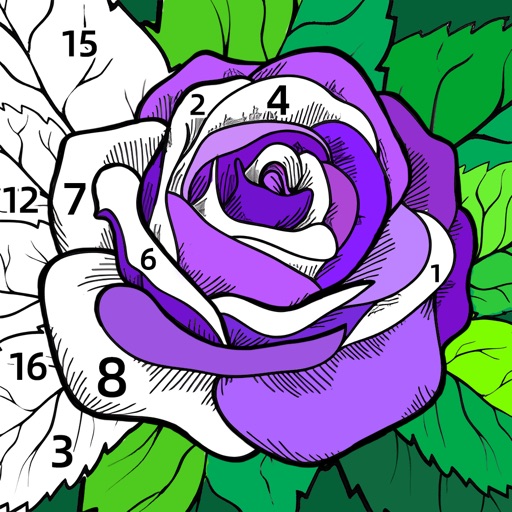
Create and two-dimensional art by selecting colors and filling numbered areas. Save progress automatically and share completed artwork with friends. Draw freely to relax and express creativity.
Create art with layer editing tools including adding, deleting, duplicating, hiding, sorting, and grouping layers. Use blend modes and transparency settings. Access various tools like pen, eyedropper, eraser, and selection.
The app offers 240 levels of coloring with four drawing modes and 120 colors. It features elements highlighting and a gallery to view and save creations.