Customize home screens with themes, icons, and widgets. Add aesthetic wallpapers. Use shortcuts for automation. Install themes and skins for iPhone or iPad. Organize layouts and widgets. Sync with iOS 14 and above features.
Allows users to add stylish widgets to their home screen or mode. Full-screen mode offers immersive designs like Nixie tubes, displays, and flip clocks. Users can customize time zones and adjust appearance.
Chenzhou Zero Pixel Information Technology Co., Ltd.
Design home screen
Customize home screen with over 200 and themes. Set dynamic lock screen for enhanced functionality. Choose from more than 1000 wallpapers and receive new additions regularly.
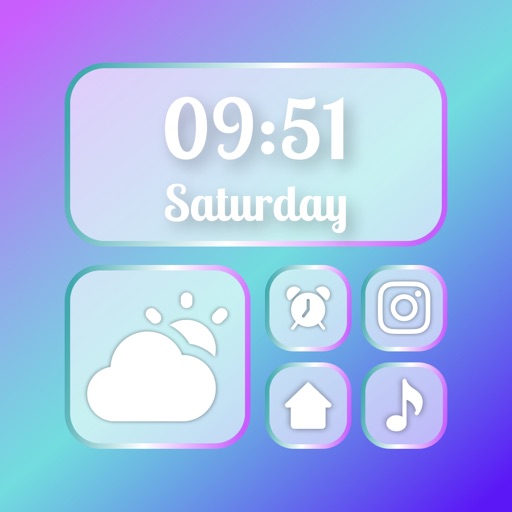
Add aesthetic and functional widgets to your home screen. Choose from pre-designed options or create custom widgets with an editor. Access various widget types including photo, countdown, weather, and quotes.
Customize and Lock Screens with themes, icons, and widgets. Add widgets for quick access to apps and information. Choose from a wide selection of wallpapers and design personalized themes.
Set alarms with customizable time modes and iTunes music. Choose from six nature sounds. Adjust snooze duration and brightness. Use a bedside clock with a . Add or delete alarms via swipe or tap.
Customize Lock Screen, Home Screen, and Dynamic Island widgets with iOS 26’s Liquid Glass design. Pair with exclusive themes for a cohesive look. Choose from Dark, neon, minimalist, and cute styles.
Create customized to decorate and enhance your home screen. Add text-based and sticky notes for quick reminders. Use pre-designed from the collection tab for easy setup. Adjust colors and layouts to personalize your interface.
Securely store and access photos and videos with a password-protected lock. View files behind a interface that hides content until the correct password is entered. Manage and organize media within a private, encrypted album.
Access shortcuts, , and quick actions on Home Screen, Lock Screen, and Notification Center. Customize layouts with favorite apps and . Set up intelligent shortcuts for frequent tasks. Manage groups and organize home screen layouts.
Manage frequently used apps and shortcuts with customizable on home and lock screens. Add transparent , personalize icons, and set custom time and date formats. Launch apps, websites, and shortcuts directly from .