Share photos by clicking twice. Split images into square sections that fit together on social media. Choose from multiple layouts. Upload and edit photos with intuitive guidance. Adjust brightness, contrast, and saturation. Add text and filters.
The app allows users to generate polygon patterns automatically or manually. Users can customize colors, sizes, and contrast to create abstract art or convert photos to geometric designs.
Set wallpapers with high-quality images. Choose from fantasy and kawaii designs. Download free backgrounds for phones. Apply as home or lock screen wallpapers.
Create collages, stories, and posts from photos with 1000+ layouts and themed templates. Remix up to 20 images with editing tools. Apply filters, remove backgrounds, and add cutouts. Share directly to social media or save as files.
Browse and download high-quality organized into categories like illustrations, flowers, patterns, lifestyle, animals, and nature. Search for popular or unique designs. Set as home screen or lock screen. Receive regular updates with new .
Browse content with multiple tabs for organized browsing. Bookmark favorite blogs for quick access. Save images and videos directly. Download content in batches. View usage data for subscribers or ads for free users.
Snap photos in a built-in photobooth with retro-style polaroid filters. Apply sunglasses and bandanna effects. Post photos and short videos to a public feed. Scroll through user-generated content. Like and comment on posts.
Upscale and enhance images using AI models. Support scaling up to x4. Process photos, GIFs, HEIC, JPEG, PNG, and WebP files. Choose from AI models like RealESRGAN x4 Plus. Select images from the photo library or files and tap upscale.
Share real-time status updates and use augmented reality features to interact with your surroundings. Create and join events, post updates, and connect with others nearby. Discover new places and revisit favorites through location-based content.
Create color palettes for outfit photos, OOTD, landscapes, and illustrations. Select and customize color schemes with over 20 design options. Adjust the number of colors in the palette. Export palettes for use in design projects.
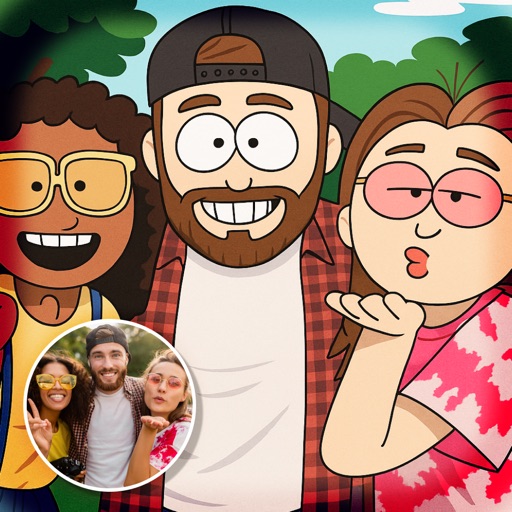
Create and share AI-generated manga and character art. Collaborate on projects with other artists. Stream illustration sessions in real-time. Access tools for designing scenes and characters. Participate in fan art discussions and receive feedback.