Create videos with one-tap effect application. Apply trending filters and effects to videos. Share videos on social networks. Challenge others with creative content. Edit videos with customizable effects.
by TIONE PP★ 4.62,113 ratingsEntertainmentFreeData updated 2026-09-06
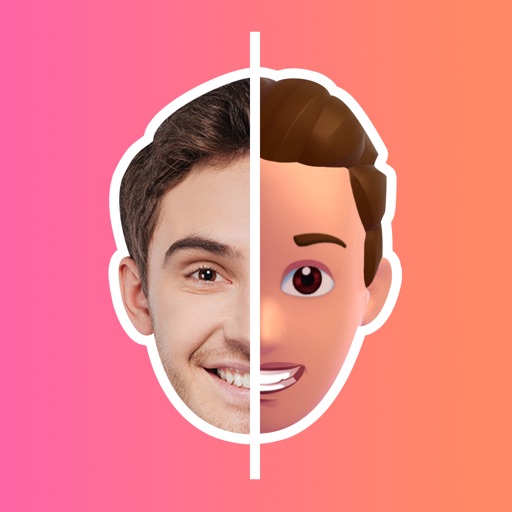
Create using facial expressions. Capture and edit selfies to generate stickers. Add text or artwork to enhance designs. Share via iMessage and social media. Upgrade to Emoji Pro for advanced editing features.
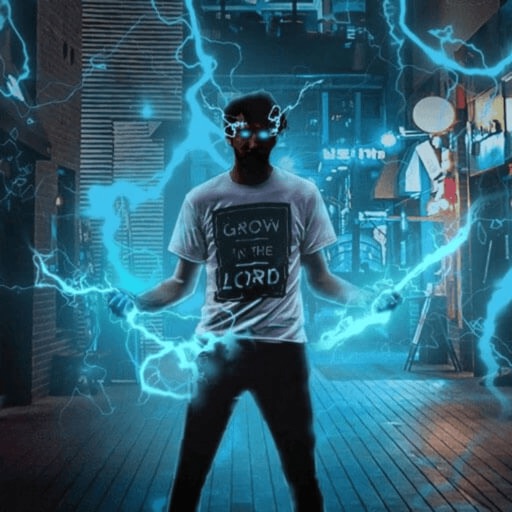
Record and edit videos with visual and templates. Add elements like dragons, magic circles, and space scenes. Include such as fire, laser, and lightning. Export and share edited videos directly.
Create 3D stickers based on selfies. Adjust facial and body features. Access a large library of customizable stickers. Share stickers directly from the . Express emotions through unique 3D emojis.
Create intros and openers with pre-made and customized templates across categories like inspirational, social media, sports, and video games. Use images or videos, edit text and fonts, add music or voiceovers. Export final videos.
Edit messages with 150+ customizable . Create and send custom emojis. Generate GIFs and animated emojis. Add decorative text to messages. Share formatted text across apps like Instagram and Snapchat.
Convert text to audio and using AI-generated voices and visuals. Edit generated content, adjust settings, and export files for sharing. Supports text-to-speech and text-to- creation.
Edit videos with , fast , and stop effects. Adjust speed for specific frames or portions. Add music and share to social media platforms. Record live with speed control. Output in high resolution.
Edit photos and videos using AI to generate artistic visuals. Apply dynamic transitions between original content and AI-enhanced effects. Share edited media directly to social platforms.
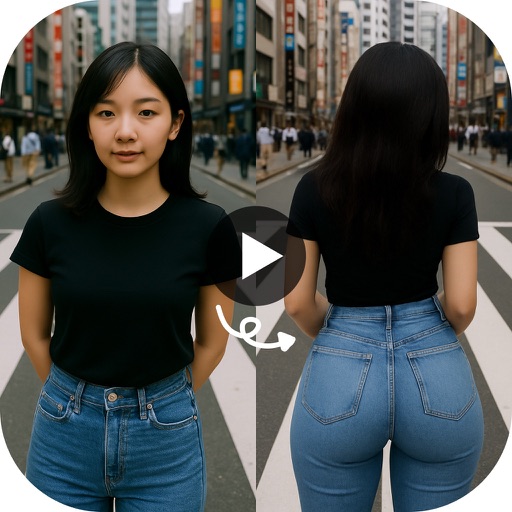
Create animated twerking videos from photos or videos using AI-generated dance moves. Apply filters and effects. Choose from trending templates. Add text and music. Share directly to social media.
Record videos with AR effects including realistic water effects and 3D enhancements using LiDAR technology. Access a library of AR plugins for customization. Share content directly to and Instagram.
Add sparkle and glitter effects to and videos. Upload images from the gallery or capture new ones. Apply light effects to reflective objects. Record videos, add or remove audio, and apply real-time glitter effects.
Record content including games and apps with audio support. Add reactions and audio during recording. Adjust resolution, FPS, and orientation. Trim videos and share directly. Edit external videos and modify facecam size.
Edit videos by adding unlimited photos and videos to a project. Choose from 50+ music genres and multiple audio tracks. Trim and position audio and . Add text, stickers, and sound effects. Control speed and export for social media.
Write scripts with multiple characters and switch between them easily. Customize bubbles, speed, background, sound effects, and themes. Export scripts as videos or images to share with friends.
Apply color-correction filters to videos and photos. Adjust exposure, contrast, and color balance. Access 7 built-in filters with examples from 6 sets. Load media as a digital negative for detailed editing. Save all 6 filter sets for a limited time.
Add to videos by selecting a from the photo album, choosing an audio file, setting the audio start time, and merging the and audio. Share the combined clip directly to social media platforms.
Create videos from photos using templates with effects, filters, and themes. Add music and beat-sync particles. Choose from love, birthday, and festival themes. Export and share finished videos.
Split videos into customizable 15-second clips. Save high-quality clips to the photo library. Choose from predefined durations or set custom lengths. Share clips directly to social media platforms.
Add to videos with animation options. Customize size, color, opacity, and background of captions. Animate line by line, word by word, or character by character. Adjust timing and speed. Position and rotate freely. Add multiple captions per .