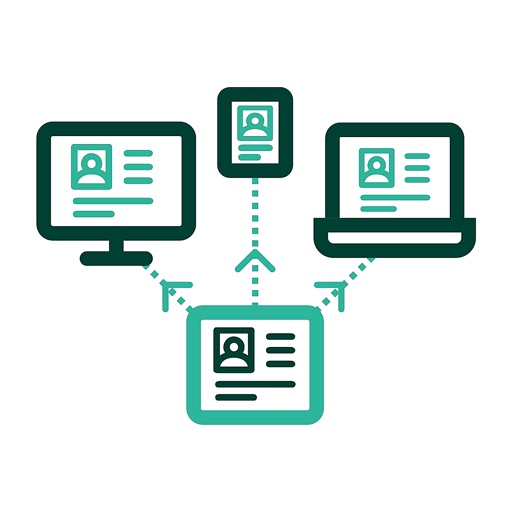
Control devices and automate tasks using touch screen gestures and keyboard shortcuts. Trigger actions with custom commands. Integrate with streaming, gaming, and content creation tools. Manage macros and scripts through a web interface.
by Manuel Mayer★ 4.65 ratingsProductivity$2.99Data updated 2026-09-14
Manage tasks with AI-driven assistants for customer support, SEO, business development, email marketing, data analysis, and more. Set goals, automate workflows, and generate reports. Integrate with calendars and email.
Access and interact with apps and shared applications. Use custom touch gestures for navigation. View and export reports in various formats. Access reports offline. Perform actions like data entry and form submission. Sync data across devices.
Control your computer remotely by launching applications, adjusting volume, and navigating the Mac filesystem. Customize commands for specific apps, open files, and use keyboard and mouse functions.
Control your PC remotely with custom button layouts and onboard sensors for gaming. Share your screen and camera feed in real time. Access files, run applications, and manage settings from your smartphone.
Videos from major streaming sites to your TV. Browse the web and stream web videos directly. Manage files on your iOS device, store them offline, and transfer to a computer. Use iTunes File Sharing to copy videos into the .
Browse web content with furigana added above words. Tap any word for definitions in multiple languages. Access offline dictionaries with examples, kanji details, and stroke order. Build or view vocabulary lists for language learning.
Automate repetitive tapping tasks with customizable timing settings. Tap buttons and set intervals for consistent automation. Run tasks within an integrated browser without system modifications.
Secure browsing and streaming with a free VPN service. Encrypt internet traffic and hide IP address. Access geo-restricted content on Netflix, Prime Video, YouTube, BBC iPlayer, and TikTok. No data logs or tracking.
Write, test, and run TypeScript or JavaScript scripts on iOS devices. Create widgets, Control Center toggles, Dynamic Island views, custom keyboards, Shortcuts, and share extensions. Access system APIs and device features through script commands.
Show iPad or iPhone screen to remote users instantly. Share content via Phone Bridge for calls. Compatible with all browsers and devices. No setup required for quick meetings. Control screen sharing and end sessions remotely.
Allows users to add and edit text, remove or change backgrounds, style captions with custom fonts and colors, mirror the screen, and control the remotely. Users can record videos while reading scripts in real time.
Provides a secure SSH and SFTP for managing remote servers. Users can connect via SSH, transfer files using SFTP, and execute commands in a . It supports customization, session management, and secure file navigation.
Create and edit decks of for organizing thoughts or speech cues. Arrange and reorder within decks. Swipe through in full-screen mode. are automatically synced across devices.