Allows users to perform eye-tracking training on an iPad without calibration. Follow on-screen instructions to position the device correctly. Select training exercises based on developmental stages to target appropriate skills.
by Ichiro Iimura★ 0.00 ratingsEducationFreeData updated 2026-09-06
The app teaches cause and effect through single switch control. It uses graphics, animation, and sound to engage users, particularly those with severe physical and developmental disabilities.
The app allows users to input and learn words and phrases. It includes a feature that tracks incorrect answers, requiring users to correctly answer them multiple times.
Foundation events, scholarships, and multimedia content.
The app provides personalized notifications about scholarship and training programs. Users can receive invitations to conferences and events held at the foundation and confirm attendance via their mobile device.
The app helps students with developmental disabilities prepare for community outings and independence. It provides information through video modeling, photo-based directions, talking stories, and illustrations of social behaviors.
Manage courses, track evaluations, and create care plans. Log case details and schedule facility times. Organize training materials and monitor progress throughout the program.
Learn basics through tutorials. Watch step-by-step guides for Word, Excel, PowerPoint, and more. Follow structured lessons to build skills. exercises and track progress. Export content for offline use.
Find quiet campus rooms without classes for focused work. Set availability based on your schedule. Share access with peers for group projects. View real-time availability and book directly within the .
The app features animated puzzles that come to life upon completion. It aids in developing eye-hand coordination, fine motor skills, and shape recognition.
The app provides real-time ITAM bus locations, routes, schedules, and service notifications. It also allows users to report incidents or failures within the facilities to the appropriate authorities.
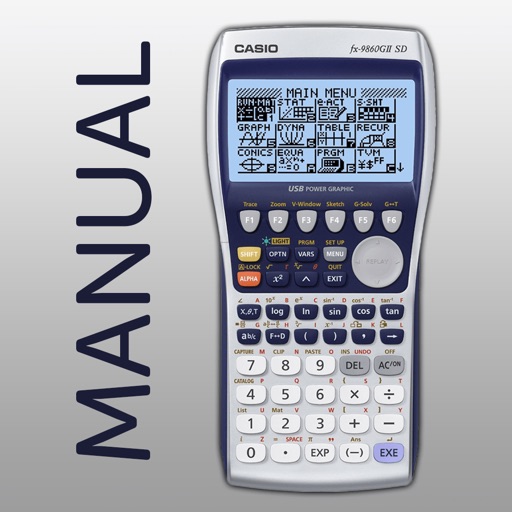
The app shows button presses for the CASIO fx-9860GII graphing calculator. Users swipe through screenshots of the original calculator to follow step-by-step instructions for 42 topics.
The app offers five mini-games focused on two-digit addition, counting, and number ordering. Children receive rewards for completing math tasks, and spoken instructions are available.
Train with technique gifs and personalized instructions
AI coach for Brazilian Jiu-Jitsu provides personalized technique instructions and animated gifs. Search and save favorite techniques. Track progress and receive feedback on submissions.
Assess visual-motor integration and fine motor grasp through structured tasks. Record student performance for pre-referral screening. Generate reports to guide targeted interventions and track developmental progress.
Create and join football clubs. Participate in online virtual training sessions. Track progress with skill-building exercises. Communicate with teammates through in- messaging. Access club events and schedule practice sessions remotely.
Teaches children to draw basic shapes like lines, circles, and loops. Includes guided exercises and progress tracking. Offers interactive activities to build letter formation skills.
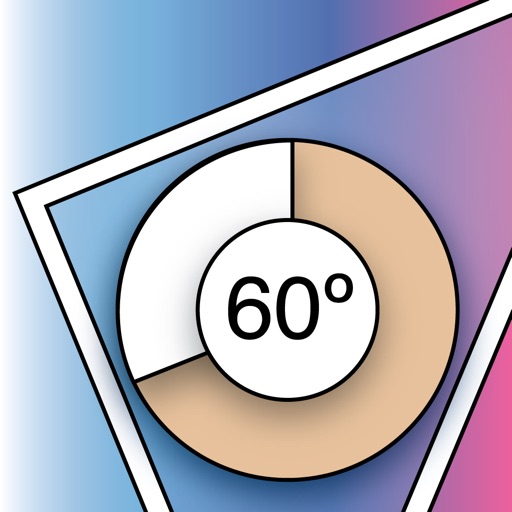
The app measures relative angles and rotation using the gyroscope sensor. It offers five unit modes, background or foreground display rotation, and fine calibration of the gyrometer.
The app provides instrument training for general aviation pilots. Users can manipulate map elements and observe instrument responses in Learn mode, or determine aircraft location based on instruments in Test mode.
Receive daily English training content. Engage with a robot-coach for support between classes. Practice language skills to build confidence and reduce affective filter. Track progress and stay consistent with daily lessons.