Perform calculations using basic and complex modes. Handle complex numbers with functions like square roots and exponents. Convert units between different systems. Store and recall previous results.
by Anastasia Kovaleva★ 4.910 ratingsUtilitiesFreeData updated 2026-09-06
Perform basic math operations including addition, subtraction, multiplication, division, and percentage. Store and retrieve calculation results. Customize number, operator, parenthesis, and result colors. Enable touch sound for feedback.
Perform complex calculations using 12 built-in calculators including scientific, financial, and unit conversion tools. Input formulas with three modes: standard, string, and RPN.
Practice arithmetic operations including addition, subtraction, multiplication, and division with numbers up to 1000. Solve mixed problems tailored to different grade levels. Work with fractions and decimals.
Perform basic and scientific calculations with equation display and history tracking. Switch between binary, octal, decimal, and hexadecimal modes. Calculate fractions directly. Use widget for quick computations.
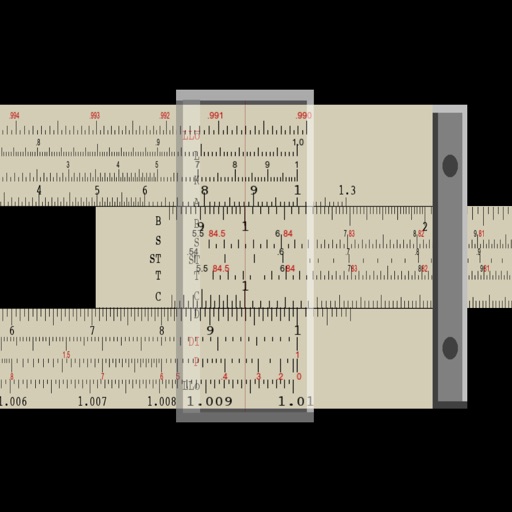
Perform multiplication, division, logarithmic, and trigonometric calculations using a slide rule interface. Adjust scales for precise measurements. Manual operation requires sliding components to compute results.
Perform calculations with a running total and real-world logic. Handle cost, sell, and margin computations. Add or subtract percentages in one step. Features large buttons and a clear display for easy use.
Perform complex calculations with scientific functions and engineering tools. Input equations, use memory functions, and switch between degrees and radians. Save results and view calculation history.
Perform calculations with a standard featuring extra-large buttons and functions like delete, x², √, and %. Use a scientific with 30 advanced functions. Convert units, calculate loans, and determine tips.
The app performs mathematical, engineering, scientific, and technical calculations. It handles fractions, mixed numbers, decimals, and integers with various functions including trigonometric operations and constants.
Perform calculations with a clean interface. Store and reuse numbers using the Memory Area. Bookmark equations for quick access. Drag and drop values between calculations. Switch between scientific and basic modes. Export results as text or image.
Perform calculations with a multi-line display that supports complex expressions and order of operations. Edit equations, save history, and switch between and basic modes. Share results via copy or email.
Performs X, Y, R radius calculations and theta measurements. It includes -specific functions for ducting offsets and angle computations. Features dimensional math, geometry, and trigonometry tools for precise construction calculations.
Calculate dimensions, convert units, and perform angle and rafter measurements. Estimate material quantities and layout stairs. Input measurements for precise calculations. Save and reuse formulas for repeated tasks.
Perform basic arithmetic operations, including addition, subtraction, multiplication, and division. Use parentheses for complex calculations. Switch between light and dark themes for better visibility.
The provides 74 calculators for various tasks. Users can perform financial calculations, scientific computations, and unit conversions. Features include loan calculations, equation solving, and unit conversion tools.