Control RGBW LEDs with color and brightness adjustments. Sync lighting to music. Access custom modes and Mack risk settings. Adjust lighting schedules and intensity levels.
by 峰辉 朱★ 2.24 ratingsEntertainmentFreeData updated 2026-09-06
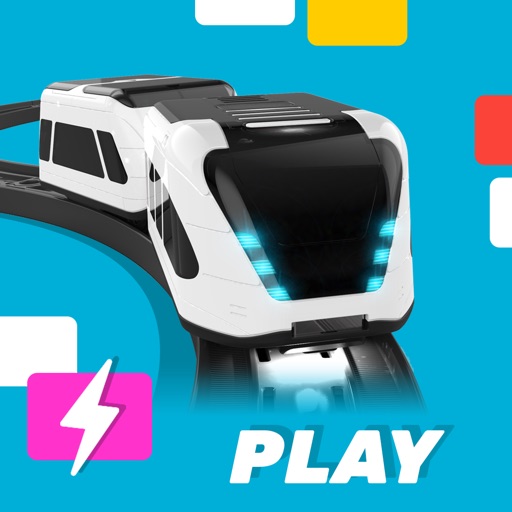
Control the smart train with remote drive modes and autopilot that uses track color commands. Edit custom commands for advanced control. interactive mixed-reality games. Sync with the train for real-time feedback and enhanced experiences.
Control locomotives with DCC decoders via Bluetooth. Adjust speed, direction, and sound effects. Manage multiple trains simultaneously. View real-time status and send commands through a mobile interface.
Control compatible network A/V devices remotely. Adjust volume, select sources, and manage playback. View system status and access settings. Navigate with a simplified interface and support for iOS 12 or later.
Control a :50 scale RC with gesture and joystick inputs. Choose from three models: Enzo , LaFerrari, or Testarossa. Auto-detects vehicle model. Includes a realistic dashboard and tilt-based driving controls.
The app uses the user's Music App songs with interface color customization. It supports landscape orientation and running in the background, with a dark theme option.
Play by swiping left or right to move the player ball. Drop the ball on matching colors to trigger blasts. Connect similar color balls to the player ball for power-ups. Blast as many opponent balls as possible.
Control LEGO® devices via Bluetooth connection. Pair with Move Hub by activating Bluetooth on iOS device and pressing the green button. Monitor and manage LEGO builds remotely. Supports Powered Up and CONTROL+ Smart Hub.
Control drone takeoff, landing, orbit, follow, and return-to-home functions with a single button. Use a virtual joystick to maneuver the drone when not connected to a remote controller. Record video and take photos at any time through the .
Create custom scrolling text displays with adjustable messages, colors, and backgrounds. Control scrolling speed and save or share the display for events or messages.
Stream music and community programs from Cullman Alabama. Access album artwork and artist info. Share the station on Facebook. Control playback from the lock screen. Enable sleep timer functionality.
Manage music playback with control over volume, output, and playback state. Rearrange playlist queues for custom listening. Browse music library via a file tree interface for easy access.