Apply to images and adjust positioning. Resize, rotate, and move photos freely. Save edited images directly to the gallery. No internet connection is required. Offers multiple frame options for creative customization.
Create and customize pictures with filters, stickers, and text. Upload photos or use templates to design avatars. Share creations directly to social media. Update images regularly to stay current with trends.
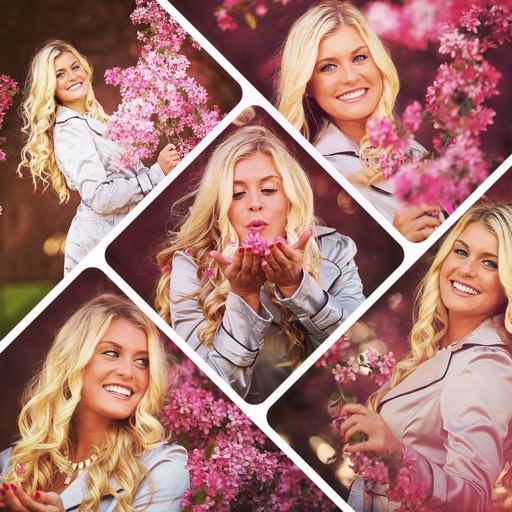
Create collages using various layouts. Stitch screenshots into long screenshots. Add text, stickers, and backgrounds during editing. Export edited content.
Apply Lightroom presets to enhance photos with filters, adjustments, and effects. Choose from urban, vintage, winter, travel, and portrait presets. Export edited images directly from Lightroom.
The app offers grid and free-form collages with photo effects and shapes. Users can move, resize, and rotate photos, then save or share their creations.
Capture photos with multiple retro styles featuring film filters. Choose from a variety of film-style frames. Create collages using customizable templates. Share edited photos directly.
Add flower and borders to photos. Edit images with cropping and brightness adjustments. Share edited photos with friends and family. Save and view edited images in the .
Create collages by combining multiple photos using various frame patterns and grid layouts. Apply over 1100 design styles to individual images or collages. Share finished creations directly from the .