Apps Like Photo Mixer and Editor for iPhone and iPad
Create collages with photo effects.
The app offers grid and free-form collages with photo effects and shapes. Users can move, resize, and rotate photos, then save or share their creations.
by Jyoti Yadav★ 5.02 ratingsEntertainmentFreeData updated 2026-11-21
Create collages by overlapping photos in various layouts. Move, rotate, zoom, and sketch images. Add text, stickers, and effects. Choose from square, rectangular, or single photo arrangements. Share directly from the .
Create collages with over 1000 layouts and customize with filters, frames, and text. Edit photos using cropping, adjustments, and stickers. Save and share edited images directly.
Remove unwanted people and blemishes from photos or videos by painting and erasing. Edit images with AI tools, add text, filters, and effects. Adjust facial features like face shape, forehead, chin, and cheeks.
Edit photos with enhancement tools, effects, and color splash. Add stickers, frames, and overlays. Create collages and custom drawings. Crop, rotate, flip, and straighten images. Adjust brightness, contrast, and saturation.
Create collages by merging up to 20 photos with frames, stickers, and text. Adjust borders, add pattern backgrounds, and use shapes for flyers and posters. Share creations on Facebook, Instagram, and other social media.
Create face morph videos by blending images of faces. Adjust transitions for smooth effects. Add text and stickers to videos. Export and share final videos directly.
Create collages with multiple layouts and effects. Combine photos from gallery or camera. Merge videos into single clips. Add transitions and effects. Edit images with cropping and filters. Share finished collages directly.
Edit videos with effects to color, animate, enhance, warp, combine, and re-time clips. Add music, text, and stickers. Export in various formats and share directly.
Customize phone appearance with themed backgrounds, icons, and widgets. Browse curated across styles like Glitter, Anime, and K-Pop. Download and apply to home screen. Add widgets for quick access to apps and information.
Combine photos into a single collage with 50+ layout options. Add exclusive stickers, backgrounds, and frames. Adjust layouts, crop, and rotate images. Include text to personalize and share the final design.
Edit photos with cropping, resizing, blending, and beautification tools. Adjust brightness, contrast, and saturation. Add stickers, backgrounds, graffiti, and borders. Create collages with over 500 stickers. Apply filters to montages.
Edit photos with filters, cropping, and adjustments. Add text and stickers. Use beauty tools to enhance skin tone and reduce imions. Share edited photos directly. Create custom stickers from images or text.
Create collages by combining multiple images or videos. Adjust brightness, contrast, and color. Add text, stickers, and effects. Share finished projects on social media. Save edits in various formats.
Create collages by combining up to 20 photos with backgrounds, stickers, and drawing tools. Apply filters, borders, and fonts to enhance images. Share collages on Facebook, Instagram, and other platforms.
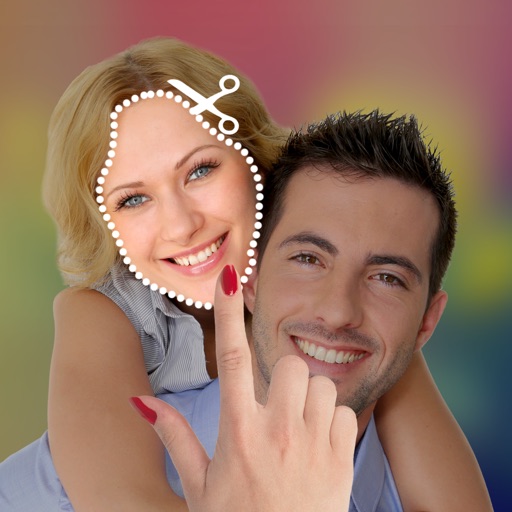
The app allows users to cut and paste parts of photos, including faces, onto different backgrounds. It offers various effects such as lomo, old style, and sketch, enabling the creation of new or humorous images.