Apps Like Background Changer Pic Editor for iPhone and iPad
Remove in seconds
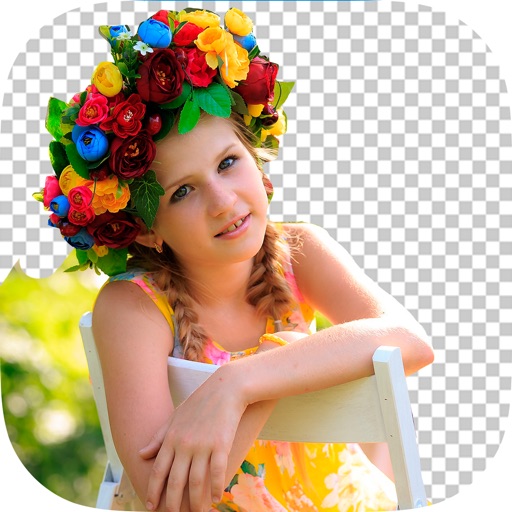
Edit photos by removing backgrounds and replacing them with custom colors. Erase unwanted objects with a single touch. Adjust and enhance images for sharing on social media.
by HOANG PHAM★ 4.6165 ratingsPhoto & VideoFreeData updated 2026-09-06
Remove people or objects from photos by selecting and erasing them. Eliminate from images with precise tools. Uncrop photos to expand the frame. Change backgrounds by removing the existing one and applying a new one.
Edit images and videos by selectively recoloring elements. Extract objects, shapes, and text using tracing, magic eraser, and recoloring tools. Deform and extracted elements with distortion tools.
Create memes with stickers, chatbots, and iMessage pranks. Edit images with background removal, face morphing, and big head filters. Convert photos and videos to GIFs. Use AI avatars without registration. No face data is collected.
Edit photos by automatically cutting out portraits using AI. Apply various trendy templates to redesign images. Share edited photos directly to social networks like Instagram and Facebook. Adjust and enhance images with editing tools.
Backgrounds from images and videos using AI and chroma key technology. Erase or restore details manually with pro tools. Edit social media profile pics, GIFs, and memes by removing backgrounds. Export edited content for online stores or sharing.
Edit photos with AI filters, cartoon styles, and restoration tools. Enhance image details and convert blurry or damaged photos to HD. Apply over 200 AI templates to generate creative photos. Upload selfies to try different styles.
Edit photos by selecting and removing unwanted elements such as people, objects, trash, pimples, lines, or other unwanted content. Retouch images to improve appearance. Save and share edited photos.
Edit dog photos with background changer, stickers, and wallpapers. Add text and voiceovers. Share edited images. Create custom puppy templates. Upload and modify dog photos for personal use.
Edit photos with filters, effects, and AI tools to remove or blur backgrounds. Add stickers, text, and frames. Apply glitch, neon, and drip effects. Adjust colors and crop images. Export and share edited photos directly.