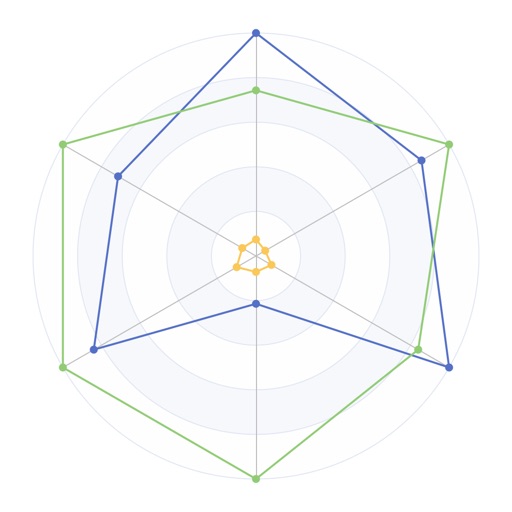
Record transactions using a double-entry bookkeeping system. View income, expenses, and net income as bar charts. Track balance history with line charts. Scan and attach invoices to transactions. Scan QR codes on invoices to create transactions.
Track spent on tasks with interactive and charts. Log activities, set -based goals, and analyze trends. View progress reports and receive insights to improve management. Sync data across devices and export reports for review.
Track income and expenses with one-time or recurring transactions. Create custom categories and set budget limits. Establish income targets and view summaries in the home screen. Review detailed transaction records and sync data via iCloud.
Track habits with two types: build good habits and eliminate bad ones. Log progress using goal units and volume tracking. View detailed statistics and weekly/monthly reports. Receive reminders and analyze performance with charts.
Create professional documents, presentations, and spreadsheets
Create professional documents, presentations, and spreadsheets with ready-made templates and design elements. Edit text, formatting, and layouts. Insert charts, tables, and graphics. Customize templates for business, education, or marketing purposes.
Create and customize charts using data from Apple . Add series, style axes and shapes, export charts as images, and copy them to the clipboard. Retrieve chart information and manage multiple charts.
Create custom bar charts, pie charts, and other graph types by inputting data. Adjust colors, labels, and layouts. Export charts as images or PDFs. Share directly via social media or email. Sync data from spreadsheets or manually enter values.
Track wages by adding hourly earnings, overtime, and unpaid breaks. Create and organize shifts with color-coded calendars. Calculate pay for multiple jobs and track time worked with precise accuracy.
The app allows users to create various scrollable charts including line, pie, area, and bar types. Users can customize chart aspects like colors, labels, and titles, and enter data via a datasheet.
Provides for reports, resumes, flyers, and social media visuals. Users can customize layouts, graphics, and infographics. Access a large collection of pre-designed elements to enhance document creation.