
Charty for Shortcuts
Plot data
Rapptor Desenvolvimento de Softwares LTDA
iPhone Screenshots




Description
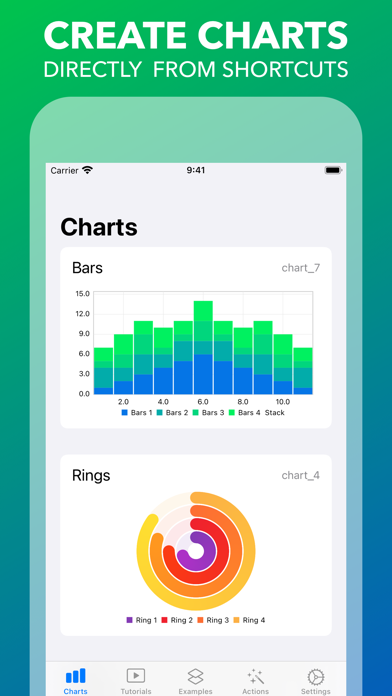
Create and customize charts using data from Apple . Add series, style axes and shapes, export charts as images, and copy them to the clipboard. Retrieve chart information and manage multiple charts.
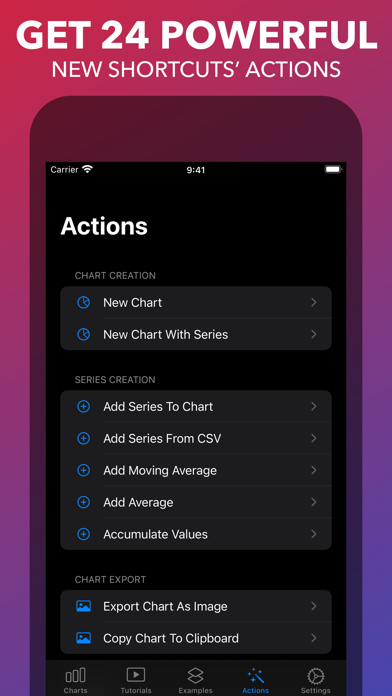
Charty gives you access to 24 powerful new actions to use in Apple's Shortcuts app, making it possible to plot data directly from it!
Here's a list of all the actions enabled by Charty
• New Chart
• Add Series To Chart
• Delete Chart
• Get Information From All Charts
• Style Chart
• New Chart With Series*
• Add Series From CSV*
• Export Chart As Image*
• Copy Chart To Clipboard*
• Style Axis*
• Style Bar Series*
• Style Donut/Pie Series*
• Style Line Series*
• Style Ring Series*
• Style Scatter Series*
• Add Average*
• Add Custom Theme*
• Add Moving Average*
• Apply Quick Style*
• Group Data*
• Filter Data*
• Accumulate values*
• Update Widgets*
• Delete Series*
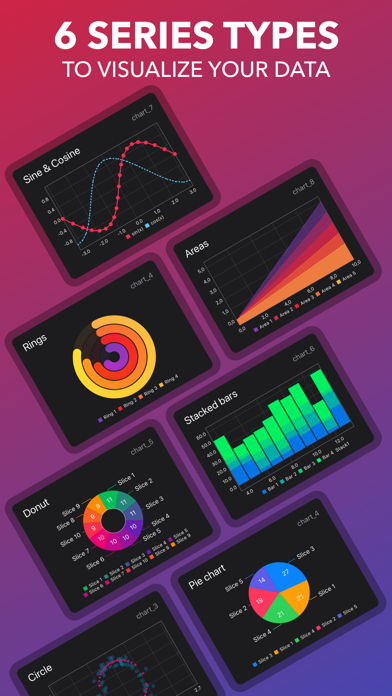
You can create 7 different chart types in Charty:
• Rings
• Bar
• Line
• Scatter
• Area charts*
• Pie
• Donut
Create unlimited charts with at most 2 series for *FREE*! And unlock the full power of Charty to:
• Create powerful shortcuts by unlocking all of Charty's actions;
• Add unlimited series to your charts;
• Style any series created, stacking bars, thickening and customising lines, enlarging markers, and much more;
• Style axes titles, custom labels, date and time display parameters, floating point precision, and more;
• Choose from a set of 31 different icons and participate on Charty's First Scavenger Hunt;
* Actions and charts marked with asterisk (*) require the premium unlock.