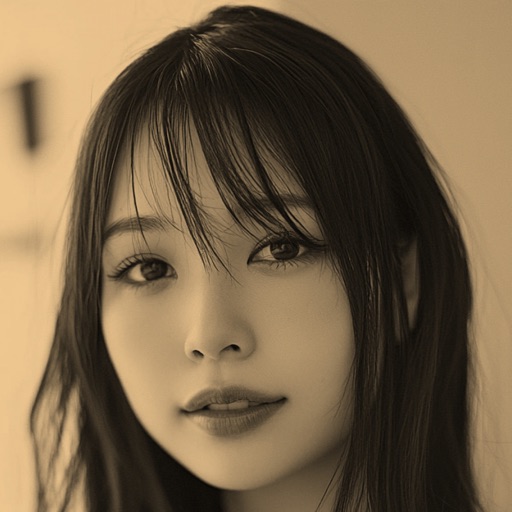
Remove objects, people, or backgrounds from photos using AI-powered detection. Tap or brush to select areas, and the automatically erases selected elements. Replace backgrounds with new ones for a clean, natural look.
Draw and sketch with pen, eraser, or lasso tools. Adjust pen thickness and color. Change canvas background color. Zoom and pan the canvas. Save and share drawings in one step.
Edit photos and videos with AI-powered tools, apply cinematic and anime styles, and use prompts to generate creative effects. Adjust colors, crop, and add text. Share edited content directly.
Edit photos with AI enhance, magic remove, and background change. Create collages and apply filters, templates, and stickers. Recolor old photos and generate text-to-image or image-to-image edits. Share edited photos directly to social media.
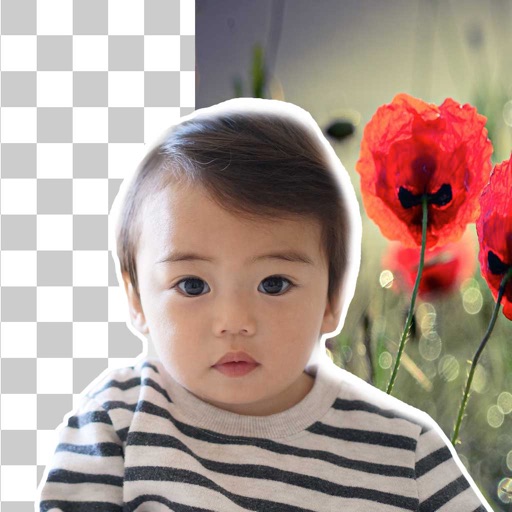
Remove backgrounds from photos using brush tools with adjustable size and hardness. Erase selected areas with undo and redo options. Add text with customizable font and formatting. Place edited photos on various templates.
Unwanted , people, text, or distractions from photos with swipe gestures. Highlight areas to fix using AI-powered tools. Edit and enhance images for a clean, polished look. Share edited photos directly.