Create boards by selecting and arranging images, colors, and text. Save and share boards via social media or email. Explore curated collections and customize layouts with drag-and-drop features.
by Kawaii, Incorporated★ 4.437 ratingsPhoto & VideoFreeData updated 2026-09-06
Search and share quotes by author or topic. Save quotes to avoid forgetting. Add images or photos to quotes for personalization. Edit text and images within the . Share quotes via social media or email.
View and browse a curated collection of digital art. Search by artist or theme. Save favorite pieces to a personal gallery. Share artwork via social media or email. Explore detailed descriptions and creation dates.
Create short videos with pre-designed templates and text animations. Customize videos for Instagram, Reels, and TikTok. Add text, adjust layouts, and save edited directly.
Edit photos by selecting from the gallery or capturing new ones. Apply various and effects. Adjust image position, size, and angle. Save, share, or upload photos to social media platforms like Facebook, Twitter, and email.
The app offers eight brush types and auto-saves images. Users can transfer images to their Mac via iTunes file sharing or share them through email and social media platforms.
Edit with , , and collage tools. Create montages and custom layouts. Adjust brightness, contrast, and saturation. Add text and stickers. Export edited images in various formats.
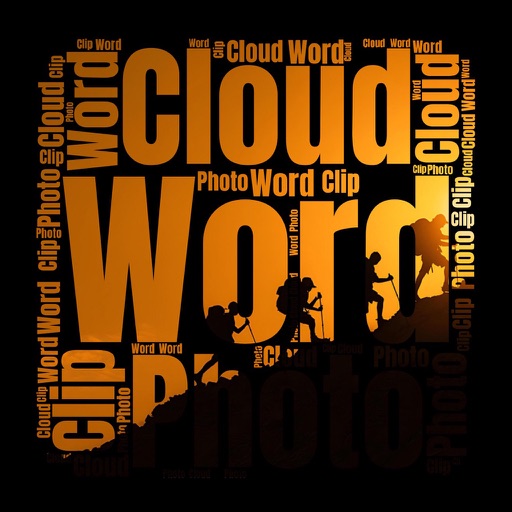
Create clouds with customizable fonts, angles, and layouts. Use photos as clipping masks. Edit and combine text with shapes for visual presentations. Save and share the final design.
View and set high-resolution in HD and 4K. Browse categories like sports cars, muscle cars, and luxury vehicles. Update daily. Customize device backgrounds with curated images. Share via social media. Apply to home screen and lock screen.
The app enables users to overlay text onto images or videos. Users can customize text with various font styles, sizes, colors, and outlines, placing it anywhere within the media.
The app allows users to add trolls, animal faces, and text with various fonts and colors to photos. Users can upload or capture images, then share their creations via social media or email.
The app allows users to paint on photos using 13 brushes and pens with varying thicknesses. Users can save and share their creations via email, Twitter, or Facebook.
Create 3D designs using AI. Upload a room photo and choose a style. Generate realistic 3D visuals instantly. Explore different layouts and materials. Save and share concepts.
Edit photos with text, stickers, and designer fonts. Apply filters like candid, evil VHS, or vintage. Create collages and design layouts. Save and share edited photos directly.
Create and share humorous captions and insults for photos. Generate roasts based on uploaded images. Add text overlays to photos. Share content directly to social media platforms.
Create posts with editing tools, filters, and text overlays. Crop and adjust colors. Add stickers and effects. Export in multiple formats and share directly.
Create logos by selecting custom text, icons, colors, and layouts. Adjust fonts and spacing. Export designs in various formats and share directly. Build brand identity with customizable templates and visual elements.
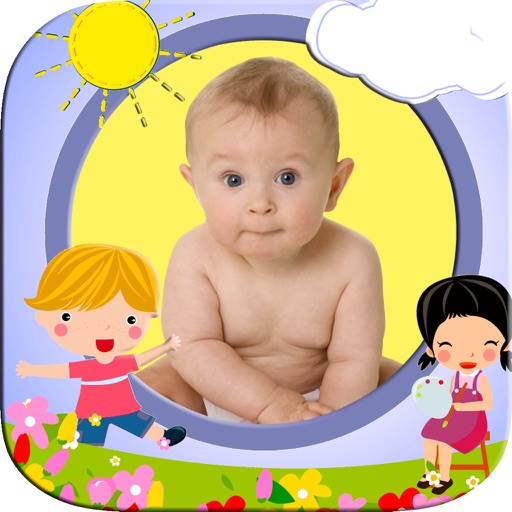
Add cartoon to photos to create keepsakes for . Select from over 40 for different occasions. Share edited photos family or save as souvenirs. Edit images by choosing and adjusting layouts.