Create boards by selecting and arranging images, colors, and text. Save and share boards via social media or email. Explore curated collections and customize layouts with drag-and-drop features.
by Kawaii, Incorporated★ 4.437 ratingsPhoto & VideoFreeData updated 2026-09-06
Create professional store preview images without design skills. Select from trending templates, add screenshots, and include headings to highlight key features. Edit layouts and export for Apple Store.
Create self-portraits with sketch and artistic effects. Apply filters like sketch, painting, and pixelate. Save photos to the library or share on social media platforms. Print images directly.
Edit photos with milestones stickers, growing-up frames, and artwork. Decorate images to create memory albums. Share finished albums via social media or email. Add captions and organize photos into themed collections.
The app applies a sepia filter to photos, giving them a warm, yellow-brown tone. Users can adjust saturation and brightness, save multiple images, and share their creations on social media or via email.
Create artwork by entering text prompts and selecting art styles. Generate wallpapers, images, and digital paintings instantly. Customize details and download or share the final artwork.
Create and edit GIFs with AI-generated animations. Adjust speed, direction, and aspect ratio. Add text, borders, decorations, and drawings. Crop, zoom, erase, trim, and reset frames. Convert GIFs to video or image formats.
The app supports artistic development for children aged 0-6 with over 800 materials like fruits, vegetables, and characters. It enhances motor skills and creativity through simple lines and vivid images, aligning with preschool curricula.
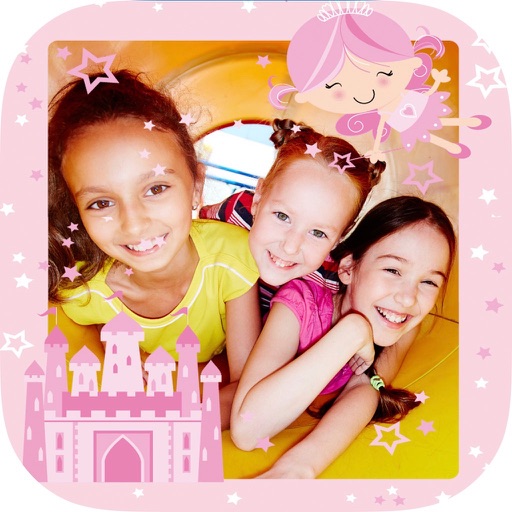
Create collages with and fairy tale . Add stickers, text, and notes to personalize photos. Edit images with filters and adjustments. Save and share decorated photos directly.
Create videos by selecting images from your gallery, adjusting their positions, and setting transition durations. Add music, custom frames, and stickers. Include text to personalize messages and share the final .
The app creates videos from phone images and music. Users can create video stories for occasions like weddings and birthdays, sharing them with friends and family.
Create using customizable templates and text overlays. Add images and edit text to personalize content. Share directly to social media or save to device. No watermarks on generated content.
Customize preloaded social media templates for branded posts. Edit text, images, and layouts. Schedule posts at convenient times. Share directly to platforms like Instagram and Facebook. Track engagement metrics. Adjust designs in real-time.
Create -themed photos with customizable , stickers, and text effects. Apply color filters and adjust brightness. Share edited photos directly to social media or messaging apps.
Create animations and funny videos using AI-generated effects. Add singing animations and humorous filters. Edit videos with meme templates and share directly to social media. Generate AI avatars from photos.
Edit photos by selecting from the gallery or capturing with the camera. Apply multiple and effects. Adjust position, size, and angle. Save, share, or upload images to social media platforms like Facebook, Twitter, and email.
Create professional preview images for apps. Add device mocks, images, text, and frames. Use drag-and-drop interface with real-time preview and alignment guides. Customize canvas size and device frame settings. Export as PNG or JPEG.
Capture and organize high-resolution photos of landscapes, ice formations, and wildlife. Edit images with cropping and filters. Add location tags and share directly to social media or email.