Photos by flipping horizontally or vertically. Create reflections and repeating patterns. Apply effects and frames. Design collages with multiple layouts. Export and share edited images.
Create -themed collages using 100+ available frames. Add text with customizable fonts and colors. Adjust opacity and rotate images. Select photos from gallery or camera. Apply effects to enhance visuals.
Upload photos from gallery or UNSPLASH Gallery. Select frames and passepartout options. Use AR mode to visualize images on walls in different sizes and styles. Adjust placement and visual combinations before finalizing.
Create widgets with photo, placeholder, emoji, text, date, or custom content. Choose from multiple layout types for medium and large widgets. Add transparent backgrounds with blur effect and optional borders.
Apply filters and to photos. Select from pre-designed templates to create images or cards. Edit photos by adding text, stickers, and custom . Share edited photos directly.
Create collages by selecting multiple images and arranging them in different grid layouts. Add frames from a collection of 100+ designs to enhance images. Build personal stories by organizing photos and sharing them directly.
Record short clips and layer them to create datamosh effects. Adjust frame repetition settings for random or ordered playback. Save outputs as images or videos. Fade back to live camera input during data moshing.
Create -style covers with photo frames and effects. Add text, stickers, and quotes to photos. Choose from various templates and styles. Edit images with filters and typography tools. Share finished designs directly.
Add cute and funny labels to photos of children. Edit images with customizable borders and stickers. Organize photos into albums and share edited content directly.
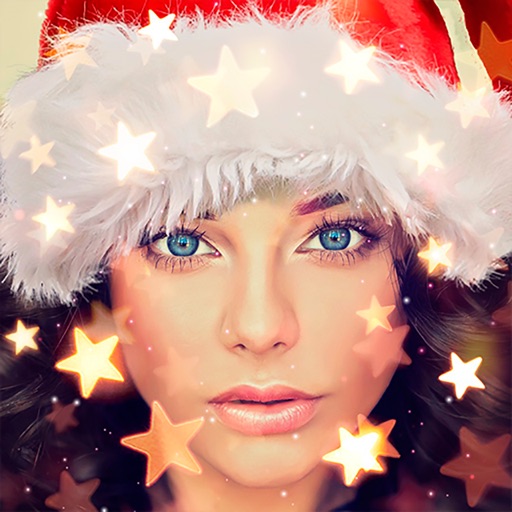
Create holiday cards by selecting from 500+ , filters, and effects. Choose photos from your gallery or camera, add custom text, and share the finished card. Include festive elements like a fluffy Red Santa for fun.
Create greeting cards by adding photos to frames. Select images from the gallery or take new photos. Choose from various frames and adjust photos with zoom and rotation. Share cards with friends and family.
Preview artwork on walls using augmented reality. Place photos or paintings in real-time. Resize, rotate, and reposition images. Choose frame styles to match decor. Save arrangements as projects. Import personal photos or use built-in gallery.
Select and apply unique to images. Choose photos from gallery or camera. Rotate and scale as needed. Save, share, or set photos in gallery. Display all saved photos in a list.
The app transforms photos and artwork into professional-quality prints like canvas, posters, and framed prints. It allows users to design and order custom prints in minutes for home decor or gifts, with delivery to the US, UK, Canada, and Europe.
Edit photos with diamond frame effects and star-like enhancements. Add creative effects to enhance images. Save and share edited photos directly. Apply various frame styles to personalize pictures.