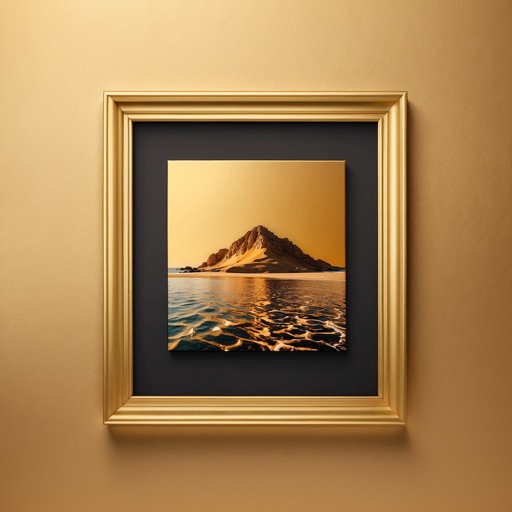
Create framed artwork by selecting from various frames and adjusting width and projection settings. Preview framed artwork on virtual walls. Share short video mockups for TikTok and Instagram Reels.
Organize and arrange photos and frames with AI assistance. Use Layout Planner to map walls, Style Matcher to pair frames with decor, and Spacing Guide to balance spacing. to adjust setups, fix gaps, and create cohesive displays.
Upload artwork to generate mockups in interior design settings. Customize colors, frames, and layouts. Share mockups to Instagram, Etsy, and other social media platforms.
Edit photos with filters, cropping, and adjustments. Access portrait mode, double exposure, and manual settings. Scan high-resolution films. Share images via social media. Participate in photography challenges and view community submissions.
Edit photos with 40+ filters and apply HD frames. Share custom frames and effects with other users. Add romantic or love-themed frames to digital images. Export edited photos in high quality.
Create photos with customizable . Select from options. Add photos from gallery or capture new ones. Apply filters for enhanced appearance. Include stickers or emojis. Save and share edited images.
Edit photos by applying and effects. Select images from the gallery or camera. Adjust frame position, size, and angle. Choose from multiple stylish frame options and effects.
Create collages using 100+ 2D/3D frames. Add images from gallery or camera. Adjust opacity and rotate photos. Include text with custom fonts and colors. Apply effects to enhance visuals. Export and share finished collages.
Create -themed with multiple creative options. Select images from gallery or camera. Apply effects for enhanced visuals. Share photos on social media platforms. Save edited images in high resolution.
Select photos from gallery or photo library. Choose from numerous PIP frames. Use single image for both foreground and background or different images for each. Edit foreground and background separately. Apply photo filters.
Create gallery-quality displays by adding frames, inner and outer mats, and scenes. Choose from 200+ frames, 300+ mats, and 1000+ scenes. Adjust layout and preview final design before exporting or sharing.