Use AI to separate vocals from tracks. Edit audio by isolating instruments or removing vocals. View real-time lyrics during playback. Export modified tracks in various formats. Share edited content directly.
Download from various sources including cloud storage and devices. audio and video files offline without internet. Transfer via Wi-Fi. Import from Apple and other file systems. Sync and organize library across devices.
Remove vocals, instrumental tracks, and 8 musical instruments from audio files. Extract background from recordings. Preserve original bitrate and format when isolating elements.
Convert video files to MP3 by extracting audio. Supports conversion from MP4, MOV, MKV, and other video formats. Save extracted audio as ringtone. Download and convert online videos to MP3. Extract audio from local and online sources.
Listen to offline without an internet connection. Import tracks from Files, iCloud Drive, Apple , or cloud services like Google Drive, Dropbox, OneDrive, pCloud, and Box. Transfer wirelessly via drag-and-drop.
Convert audio files to formats compatible with iTunes, iPods, and iPhones. Supports FLAC, WMA, WavPack, Ogg Vorbis, Monkey’s Audio, and more. Convert lossless formats to Apple Lossless or to AAC, MP3, WAV, AIFF, or HE-AAC.
Stream from SoundCloud Go+ and local files via cloud services. Import tracks in multiple formats. Organize library by title, artist, album, bpm, key, rating, or duration. Create custom playlists.
The app manages song collections with lyrics and chords for musicians. It offers features like chord variants, transposition, auto-scrolling, and metronome support.
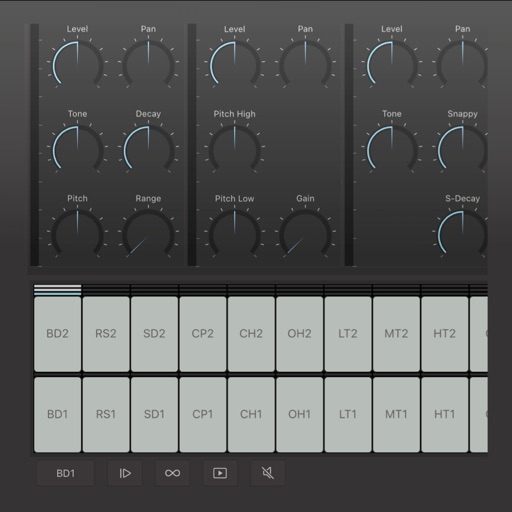
Create and edit drum patterns using 27 drum voices. Apply effects like delay, chorus, and reverb. Automate parameters and sequence 16-bar patterns. Save and load project files for later editing.
Manage and organize files with support for MP3, FLAC, WAV, AAC, OGG, and other formats. Create and manage playlists including Favorites, Offline tracks, and custom collections. Access a minimalist interface for browsing and playing .
Stream and download from Google Drive, Dropbox, OneDrive, iCloud Drive, and Apple . Import songs via WiFi, iTunes File Sharing, or AirDrop. Organize into playlists and play .
The app plays audio files from a user's music collection. It supports streaming from Qobuz, iTunes, and SoundCloud, with audio settings like an equalizer and bass booster.
Manage and play files from iCloud, Dropbox, Google Drive, and OneDrive. Support MP3, M4A, WAV, FLAC, and other formats. Edit metadata and cover art. Convert audio and video to audio. Organize by artist, song, or album. Import from iTunes or library.